
Deskripsyon
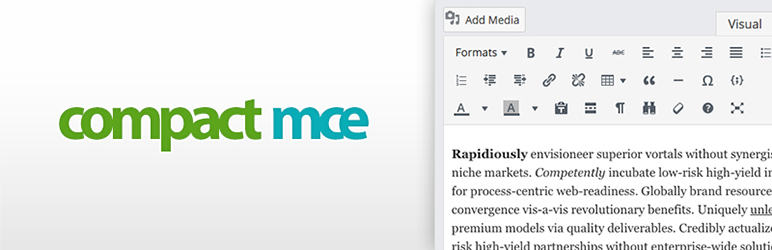
A simple plugin that re-organize your WordPress editor TinyMCE controls. We removed WordPress’s default editor useless controls and added more useful controls.
Removed Controls
- Spell checker
- Distraction Free Writing
New Controls
- Style select
- Table
- Code sample (to add <pre> formated codes)
- Visual blocks
- Search & replace
- Full screen
- Text background color
For support & more informations visit https://linesh.com/forums/forum/plugins/compact-mce/
Mga Screenshot

Pag-install
- Upload Compact MCE folder to the ‘/wp-content/plugins/‘ directory or download it from the administration
- Activate the plugin through the ‘Plugins’ menu in WordPress
Mga Review
Wala pang reviews para sa plugin na ito.
Mga Contributor at Developer
Ang “Compact MCE” ay open source software. Ang mga sumusunod na tao ay nag-ambag sa plugin na ito.
Mga Contributor
Isalin ang “Compact MCE” sa iyong wika.
Interesado sa development?
Tingnan ang code, i-check ang SVN repository, o mag-subscribe sa development log sa pamamagitan ng RSS.
Changelog
19.05
- Updated version for WP 5.x
16.06
- First version.
Our version numbering scheme is based on the release date. The version number comes from the year and month of the release.