
Deskripsyon
WP Data Access transforms your WordPress site into a platform for building data-driven applications — without writing a single line of code.
With the intuitive App Builder, you can create:
- Interactive Data Tables – manage and display data with ease
- Custom Data Forms – collect and process input seamlessly
- Charts, Maps & Dashboards – visualize data beautifully
- Role-Based Access – control who can view or manage your data
- Multilingual Support – 35+ languages ready to use
WP Data Access is designed as a true no-code builder: everything works out of the box, intuitive and effortless. For those who want more, a full set of developer hooks makes it possible to fine-tune behavior, extend functionality, or integrate with custom workflows. Hooks are completely optional and invisible to no-code users, but a powerful bonus for developers.
App Builder ❤️
The ultimate data-driven Rapid Application Development tool. Build dynamic, interactive apps in minutes with Builders, Managers, and Wizards — all fully customizable with Hooks.
* Build dynamic, data-driven apps for both front-end and back-end 📱
* Connect to local and remote databases ⚡
* Real-time build and run capabilities 💻
* Run apps in 35+ languages to reach a global audience 🌍
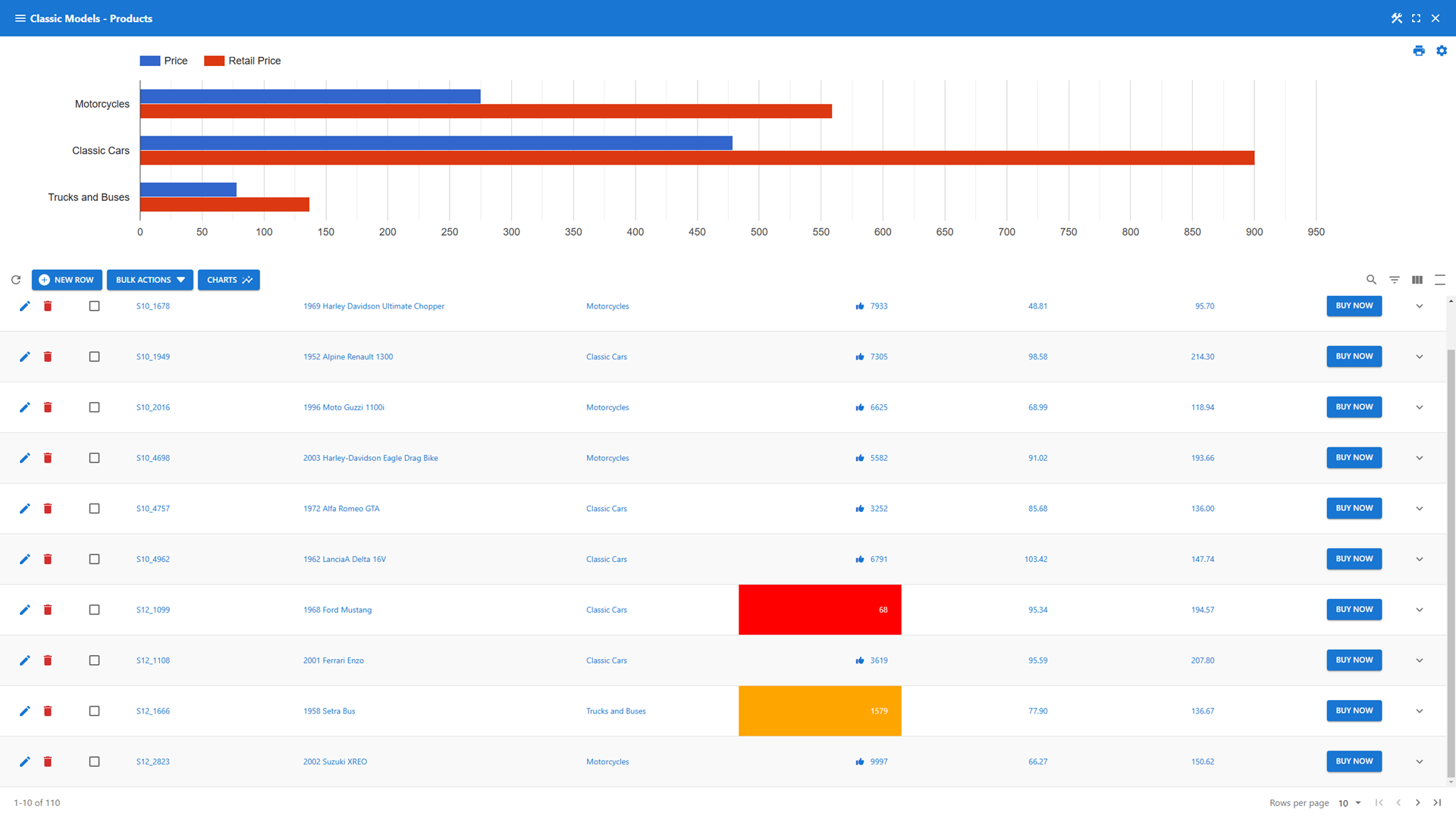
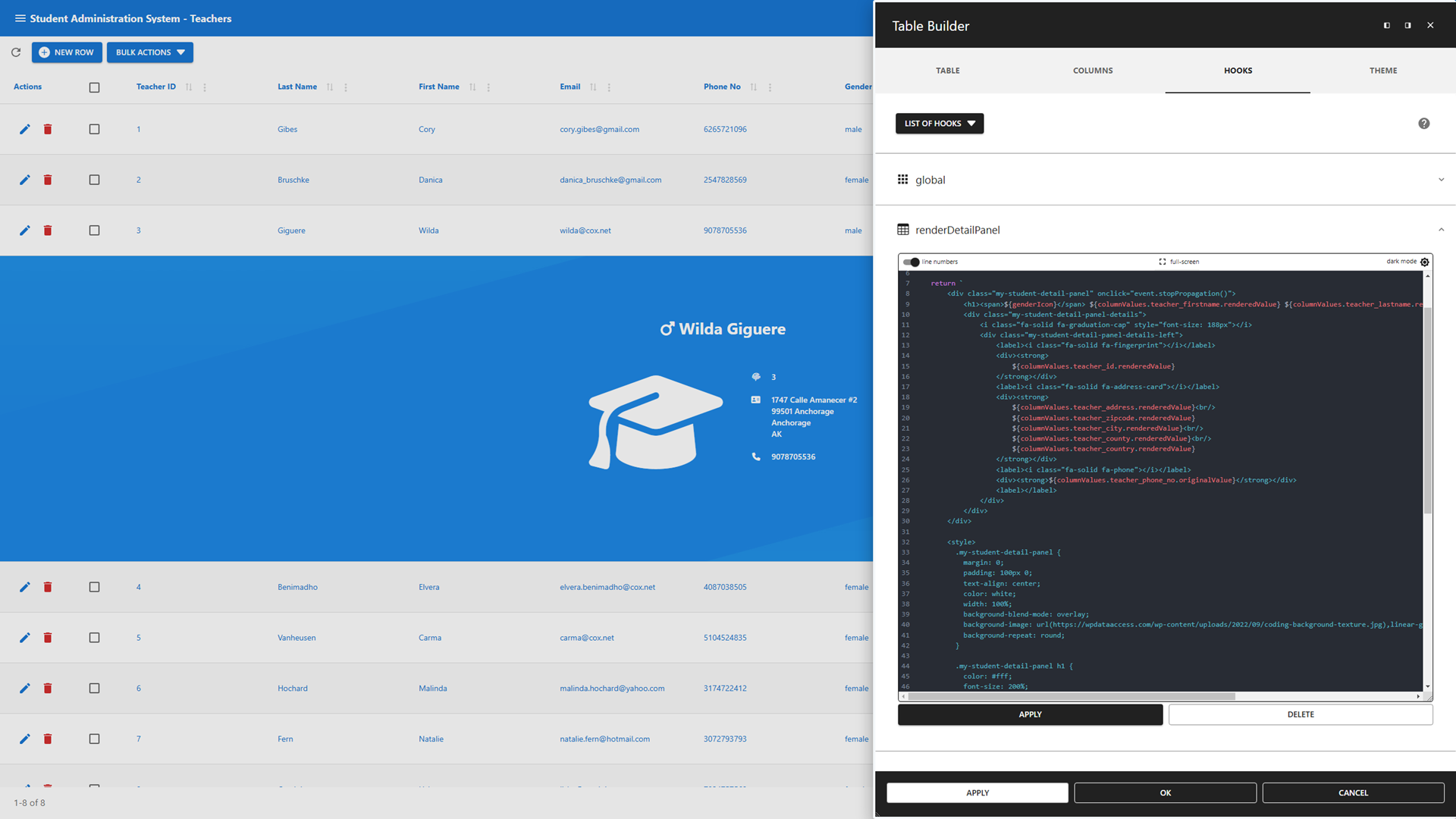
- Table Builder – Create powerful, interactive data tables effortlessly
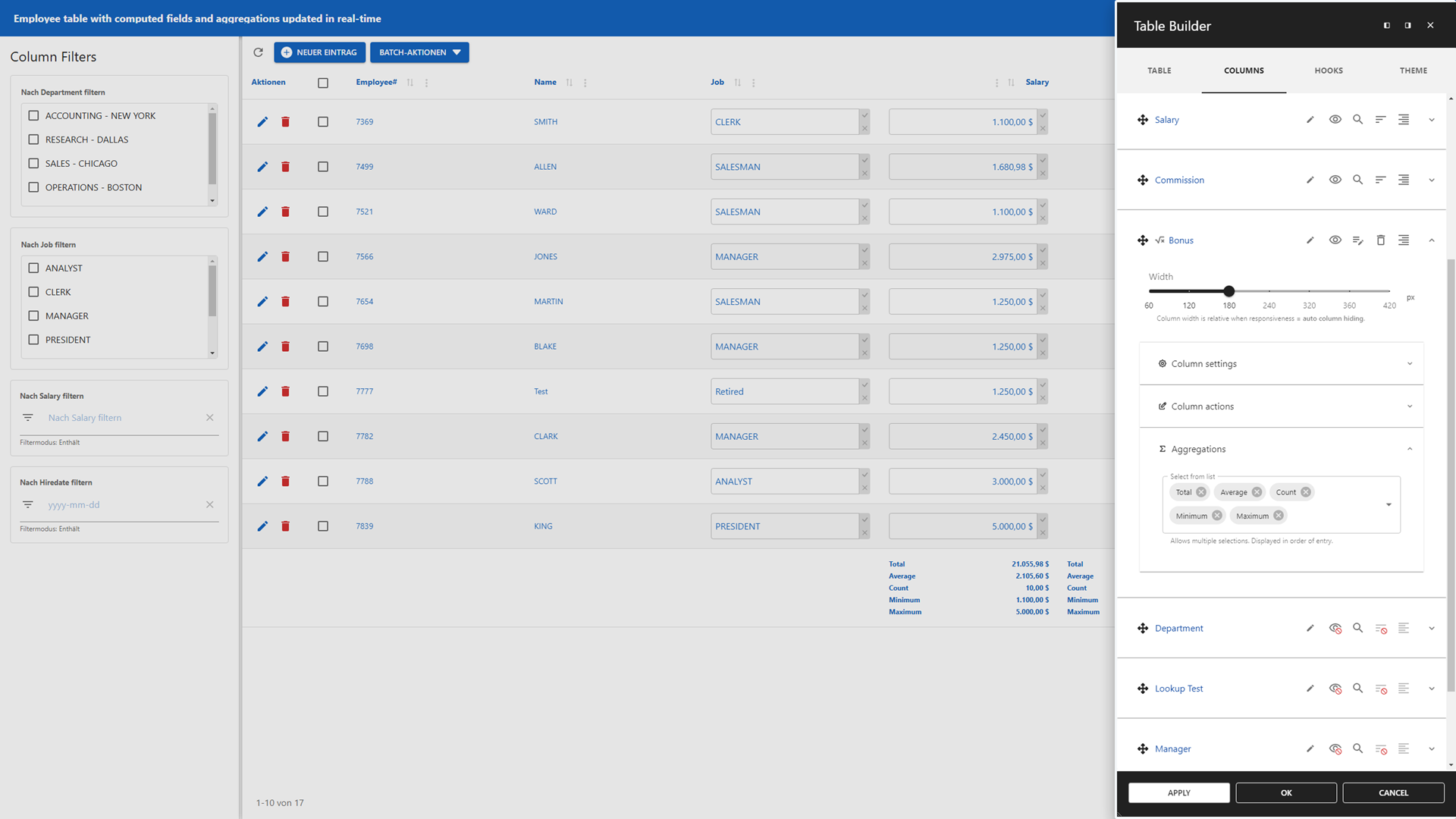
- Add static and dynamic data table filtering options 🔍
- Real-time computed fields and aggregations for instant insights 📈
- A Lookup Wizard to add lookups to your data table 🧙
- Inline editing for instant updates 📝
- Integrates with the WordPress media library for rich content 📷🎞
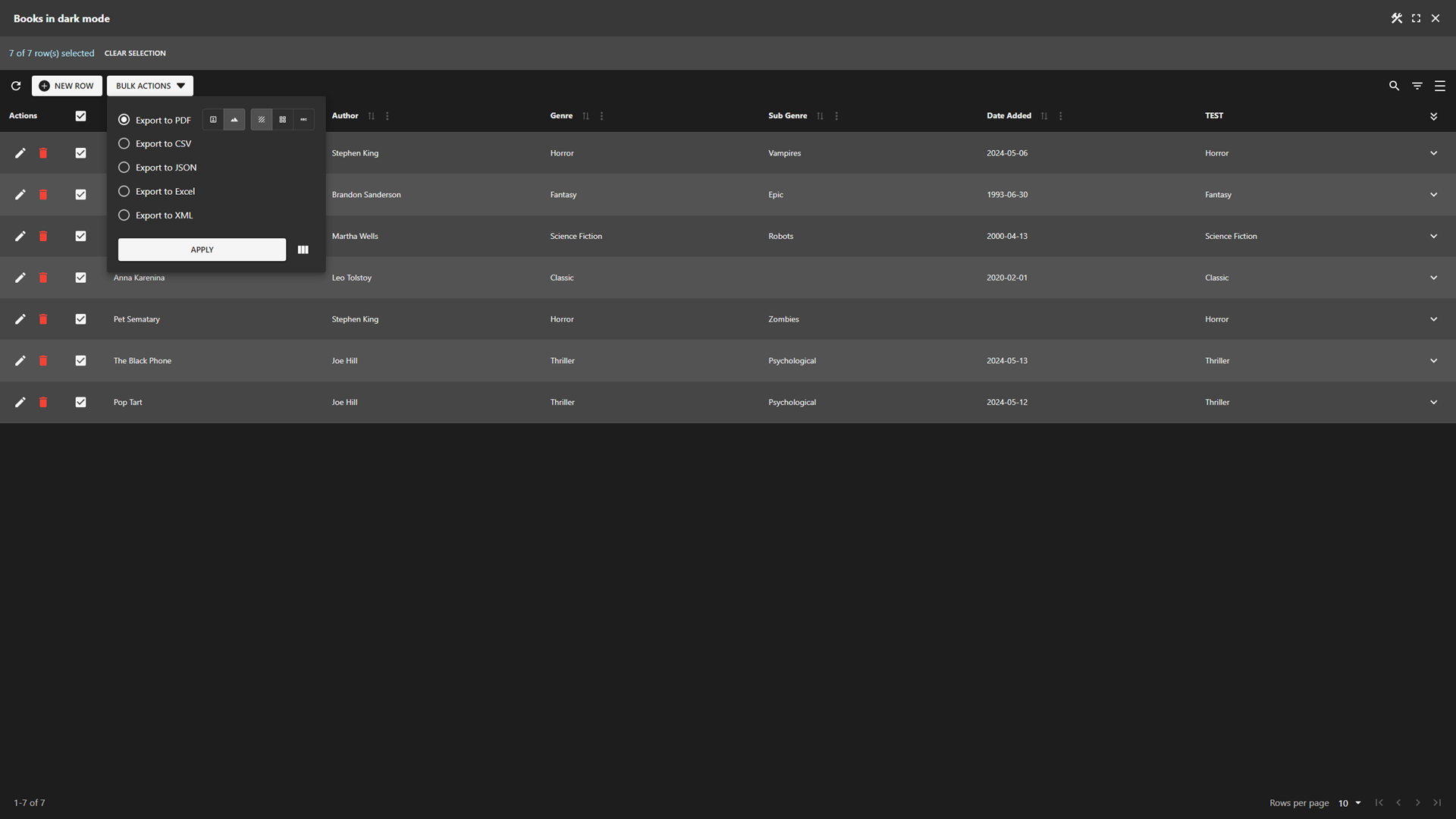
- Export data tables to PDF, CSV, JSON, XML, SQL, and Excel 📄
- Add charts and maps to your data table header and footer 📊
- JavaScript hooks to customize data table layout and behavior 🔧
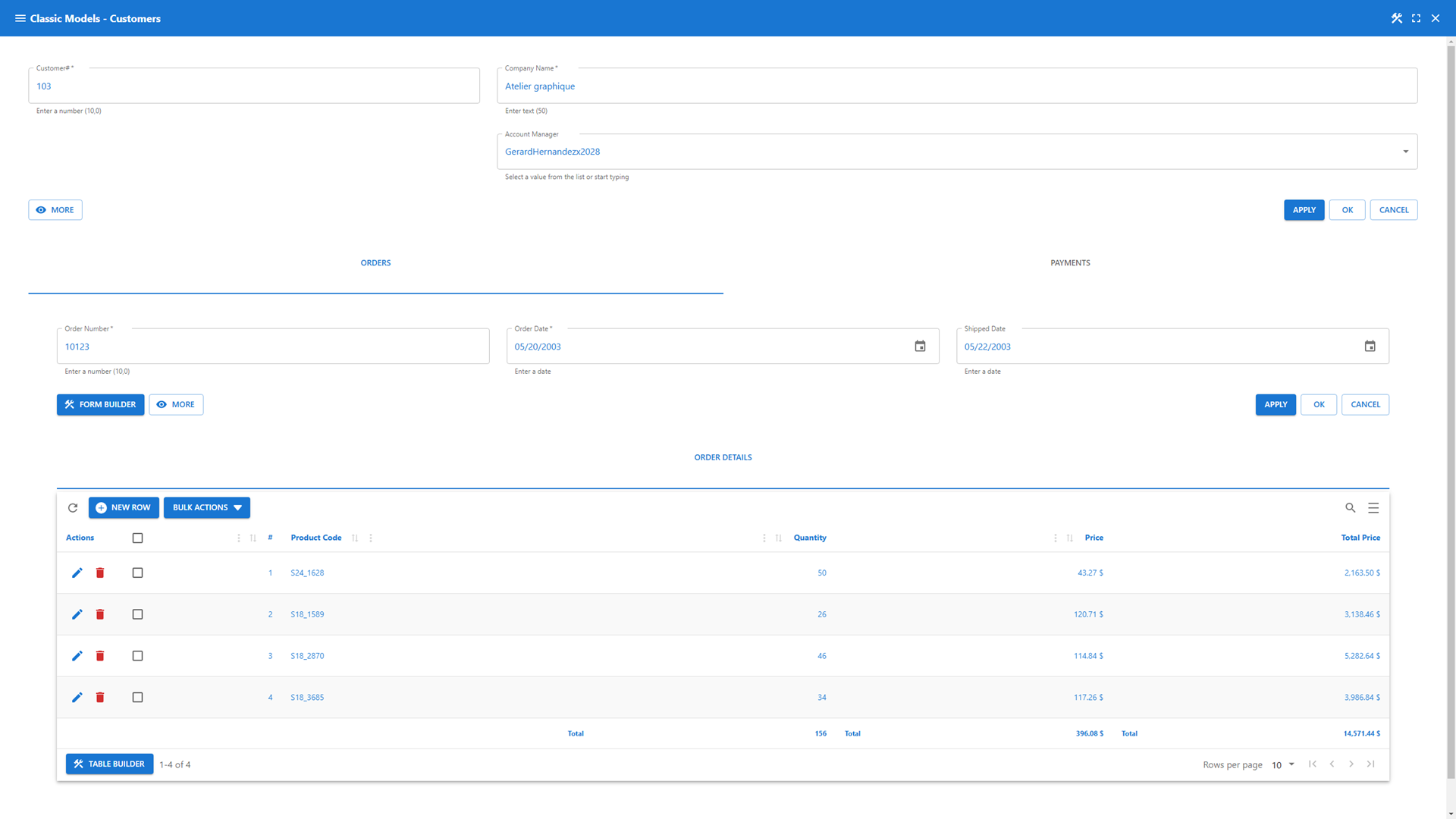
- Form Builder – Design forms that adapt to your workflow
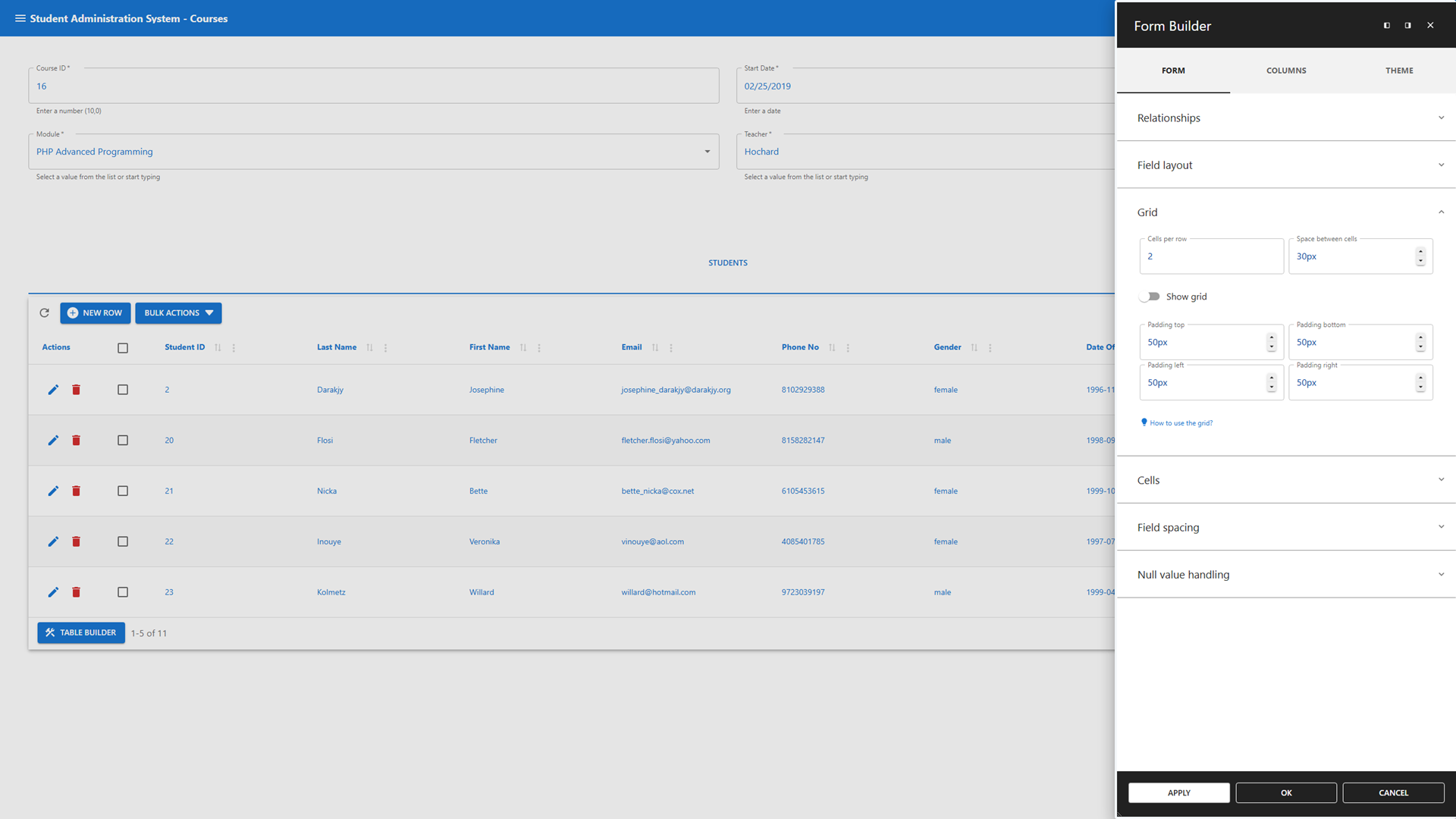
- Grid-based layouts for precise control ➕➖
- Master-detail relationships for multi-level data structures 🔄
- Lookup and Computed Field Wizards to add functionality instantly 🧙
- Interactive client-side validations tied to your database constraints ✅
- Full access to the WordPress media library 📷🎞
- JavaScript hooks to customize business rules, validations and layout 🔧
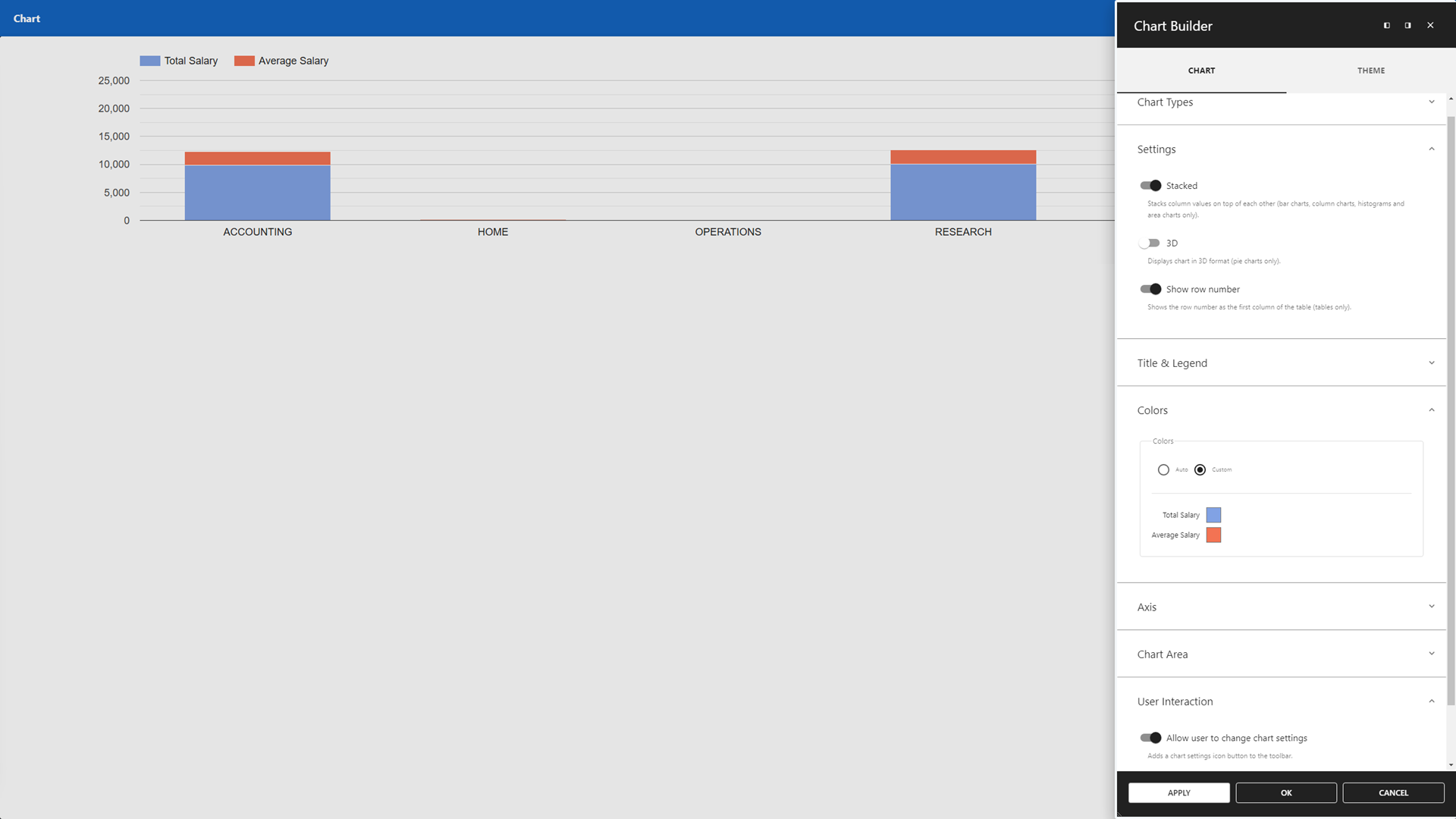
- Chart Builder – Transform your data into visual insights
- Google Charts integration 📊
- Create charts from SQL queries 📑
- Interactively adjustable chart configurations ✔
- Print/export charts 🖨📄
- Map Builder – Visualize your data geographically
- Google Maps integration for location-based apps 🌎
- Query-driven location visualizations 📍
- Interactively adjustable search radius 🔍
- Customizable marker content and layout 📌
- Dashboard Builder – Centralize insights with customizable widgets
- Combine all app types into cohesive dashboards ✅
- Customize dashboard layouts with flexible positioning and sizing ➕➖
- Customizable widgets presenting dynamic and static data
- Mix real-time data with fixed information for comprehensive overviews 📊
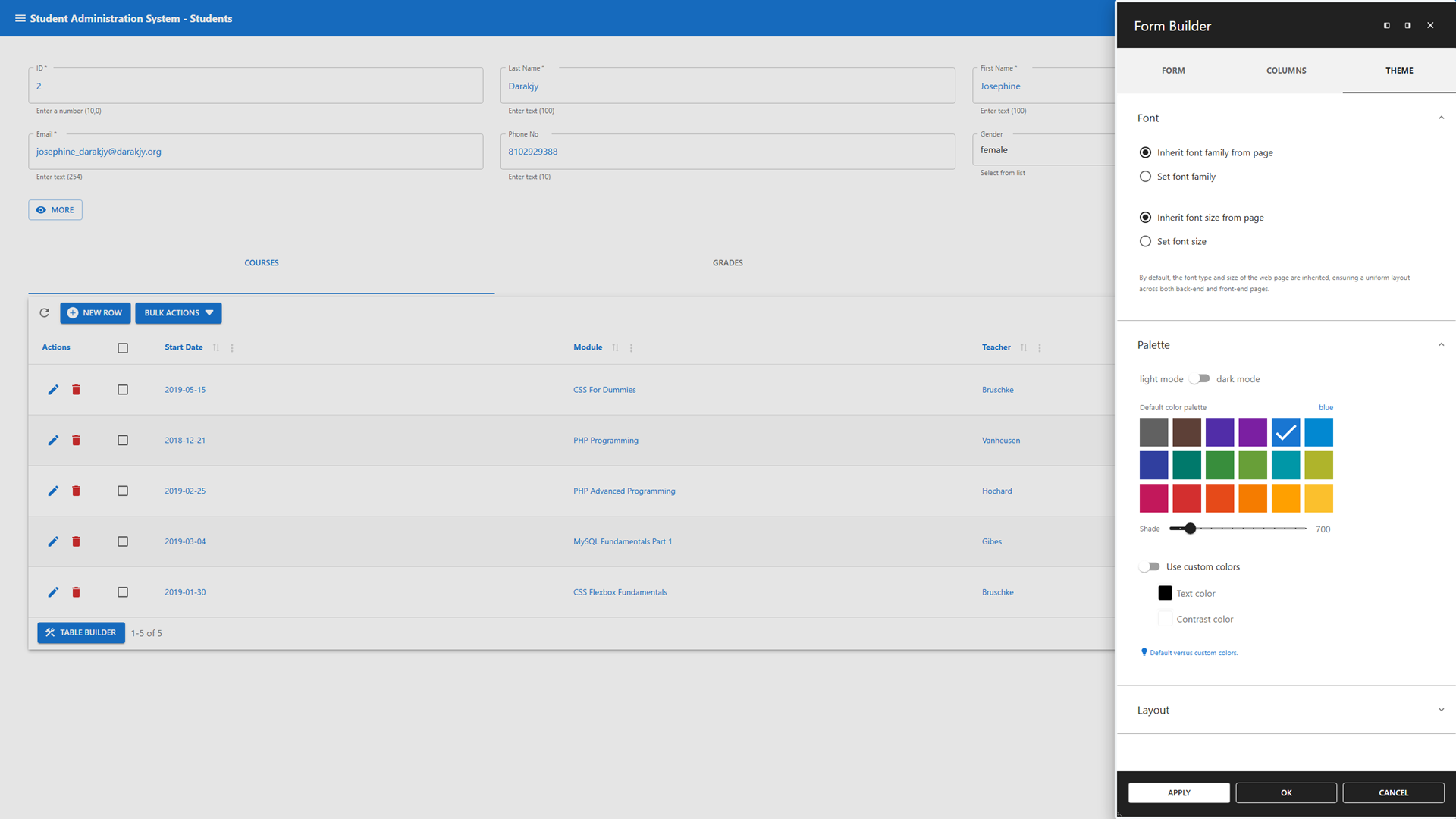
- Theme Builder – Make your app truly yours
- Personalize your app’s appearance with ease 🎨
- App Manager – Control your apps with confidence
- Authorization management based on WordPress user and role principles 🔒
- Add apps to back-end menus or front-end pages via shortcodes 🔽🌐
- Safe mode to temporarily disable hooks without breaking functionality 🔧
SQL Query Builder
Run and schedule SQL queries effortlessly from your WordPress dashboard.
- Schedule queries to run automatically at defined intervals 🕝
- Run batch jobs for automated data exchange across multiple databases 🤝
- AI Assistant to generate queries and fix common errors 🤖
- Tabbed interface for running multiple queries in parallel ▶
- Save and reuse queries – privately or globally 🔄
- Built-in safeguards to protect core WordPress tables and ensure data integrity 🔒
- Visual Query Builder to create complex queries without writing SQL 🎨
Data Explorer
Take full control of your data with a GUI-driven interface.
- Manage local and remote data 🗺
- Perform global search and replace across multiple databases and tables 🔍
- Import SQL and CSV files, with ZIP support for handling large datasets 📄
- Export data in various formats, including SQL, CSV, JSON, and XML 📄
- Rename, copy, truncate, drop, optimize, or alter tables 👤
- Advanced table and column options, such as geolocation, and enhanced search ✔
Premium Data Services
Connect, sync, and manage remote databases and data files.
- Compatible with all plugin features ✅
- Premium Remote Connection Wizard 🧙
- Remote Databases: Connect to SQL Server, Oracle, PostgreSQL, MariaDB, MySQL, and MS Access (file-based) 💻
- Remote Data Files: Sync with CSV, JSON, and XML files for dynamic updates (e.g., Google Sheets sync) 📄
Legacy Tools
Will be replaced by the App Builder.
- Featuring
- Data Tables 🔍 – Replace with Data Table app.
- Data Forms ✅ – Replace with Data Management app or Registration Form.
- Maps 🌎 – Replace with Map app.
- Charts 📊 – Replace with Chart app.
- Dashboards 🎛️ – Replace with Dashboard app.
- Use to maintain old solutions 🙏
- Use App Builder for new projects 🚀
- You can continue to use the legacy tools by staying on the latest Version 5.x (Read more )
Useful Links
Mga Screenshot

Blocks
Ang plugin na ito ay nagbibigay ng 1 block.
- WP Data Access App Add an app to this page.
Pag-install
(1) Upload the WP Data Access plugin to your WordPress site (2) Activate the plugin (3) Navigate to the WP Data Access menu
And you’re all set! 🚀
Mga Review


Mga Contributor at Developer
Ang “WP Data Access – App Builder for Tables, Forms, Charts, Maps & Dashboards” ay open source software. Ang mga sumusunod na tao ay nag-ambag sa plugin na ito.
Mga Contributor


Ang “WP Data Access – App Builder for Tables, Forms, Charts, Maps & Dashboards” ay naisalin na sa 1 (na) locale. Salamat sa mga tagasalin para sa kanilang mga kontribusyon.
Interesado sa development?
Tingnan ang code, i-check ang SVN repository, o mag-subscribe sa development log sa pamamagitan ng RSS.
Changelog
5.5.82
- Released 2026-08-26
- Added: App context to computed form fields
- Added: Localize WordPress standard date format
- Added: Skip relation table pre-search step
- Changed: Query Builder tab styling
- Fixed: Class name not added to computed field
- Fixed: Disable media action buttons for anonymous users
- Fixed: Media library not launched in fullscreen mode
- Fixed: Removed unused columns from response
- Fixed: Reevaluation of already substituted placeholders
- Fixed: Table settings crash when changing media to secure document
- Fixed: Theme font size does not size table cells
- Fixed: Media columns missing class names
- Fixed: Dynamic lookup over multiple columns not populated in insert mode
- Fixed: Query not scheduled
- Fixed: Numeric columns labels not processed correctly in Query Builder
- Fixed: Numeric columns labels not processed correctly in charts
- Fixed: Inline editing global save not working
5.5.81
- Released 2026-08-18
- Removed old Data Explorer
- Changed global search & replace
- Changed tool guide page
- Added: Secure document storage
- Added: Form separators with title feature
- Added: CSS Form Editor
- Added: Data Explorer documentation
- Fixed: Allow admins only to configure lookups
- Fixed: Check authorization for wildcard exports
- Fixed: Database administration page shows invalid database list
- Fixed: Missing scale in hint
- Fixed: Reevaluation of already substituted placeholders
- Fixed: Cannot add new table design
- Fixed: Scheduled query not correctly returning rows affected
5.5.80
- Released 2026-08-06
- Added: Progressive web apps
- Fixed: Escaped titles and links in table output and shortcode
- Fixed: Hide inline editing feature when update is not allowed
- Fixed: Table incorrectly styled after abandoning card view
5.5.79
- Released 2026-07-29
- Added: Legacy tools message (widget and notice)
- Added: Network errors to app messages for improved troubleshooting
- Fixed: Cannot disable global filter for columns with client-side processing
- Fixed: Client-side cascading column filter count
- Fixed: Styling issues with column filter popup
- Fixed: Client-side drop-down column filters not showing alternative values
- Fixed: Clicking the create table design icon returns unauthorized
- Fixed: Button style overwritten by theme CSS
- Extended nonce action (Farid)
5.5.77
- Released 2026-07-17
- Added: Gutenberg block support for [wpda_app] shortcode
- Added: Display multiple cards per row
- Added: Missing parameters for shortcode generation
- Added: Check for unsaved changes in Visual Query Builder on close
- Changed: Inline editing now requires update enabled (use option “hide edit icon”)
- Changed: Cascading column filter behavior
- Fixed: Cascading column filters with client-side processing
- Fixed: CSV import button icons alignment
- Fixed: Lazy loaded lookups not rerendering when open
- Fixed: Visual Query conversion
- Fixed: Visual Query Builder column row layout
- Fixed: Visual Query Builder alias not editable
- Fixed: Visual Query Builder missing plus icon button
- CSS Table Editor now available to free users
- Added css class pp-table-detail-panel-container to detail panel
- Code review
- Extended nonce action
- Updated freemius SDK
5.5.76
- Released 2026-07-07
- Added: Extended pagination button support for all data tables
- Fixed: Column filter popup should only count rows with client-side processing enabled
- Fixed: Update fails after navigating to other row for 1:1 relationships
- Fixed: Last pagination button missing
- Fixed: Search list not updated
- Fixed: Cross-Site Scripting (XSS) vulnerability – patchstack
- Fixed: Function setColumnStyle has no effect on first column
- Fixed: Cascade drop-down lists not taking global filter into account with client-side processing enabled
- Fixed: Cannot position column filters above
- Updated freemius SDK
5.5.75
- Released 2026-06-25
- Added: New Visual Query Builder
- Added: Column filters popup positioning
- Added: Class names to action buttons
- Updated freemius SDK
5.5.74
- Released 2026-05-21
- Fixed: Expand column filters on startup not available for POPUPs
- Fixed: Must manually enable “show column filters in compact mode” for POPUPs
- Fixed: Border between column filters on left to fat
5.5.73
- Released 2026-05-19
- Added: Feedback to compact column filter buttons
- Added: Show column filters in popup
- Added: Single-select search panes
- Added: Selectable plus|min icons for numeric fields
- Added: Disable plus|min icons for numeric fields
- Improved column filters UI
- Improved bulk actions UI
- Optimized column filter handling
- Fixed: Cannot start table with docked chart in fullscreen mode
- Fixed: Search fields containing two clear icon buttons
- Fixed: Highlighting fails for wildcards
- Fixed: Dynamic conditions not available after lookup update
- Fixed: Default column search fails if URL parameter does not exist
- Fixed: Dynamic lookup fails with unequal column names
- Fixed: Column filters not consistently working with async lookups
- Fixed: Cascading search for search boxes
5.5.72
- Released 2026-05-04
- Added: Clear all column filters button to compact vertically placed column filters container
- Added: Automatically open column filter list when user opens a column filter in compact mode
- Added: Multiple calculation types to table chart
- Added: Start app on back-end in fullscreen mode
- Added: Default column filter via URL parameter
- Added: Plus and minus buttons to numeric input fields
- Added: Subtitles to row actions
- Added: Rename translation
- Fixed: Column filters interfering on tabs
- Fixed: Actions column too wide when bulk actions enabled and row actions disabled
- Fixed: Removed disabled fields from chart popup (free version only)
- Fixed: Resize chart when popup is resized (free version only)
- Fixed: Match map and chart popup UIs (free version only)
- Fixed: Chart returns an error when no data found
- Fixed: Rows not exporting the correct rows when selected with Bulk Select after filtering
- Fixed: Table not sorted correctly on lookup column when server-side processing is enabled
- Fixed: Removed “number of decimals displayed” if field has no decimals
- Fixed: Scheduled queries don’t send out attachments if queries are written in uppercase
< 5.5.72
- See changelog.txt