

Deskripsyon
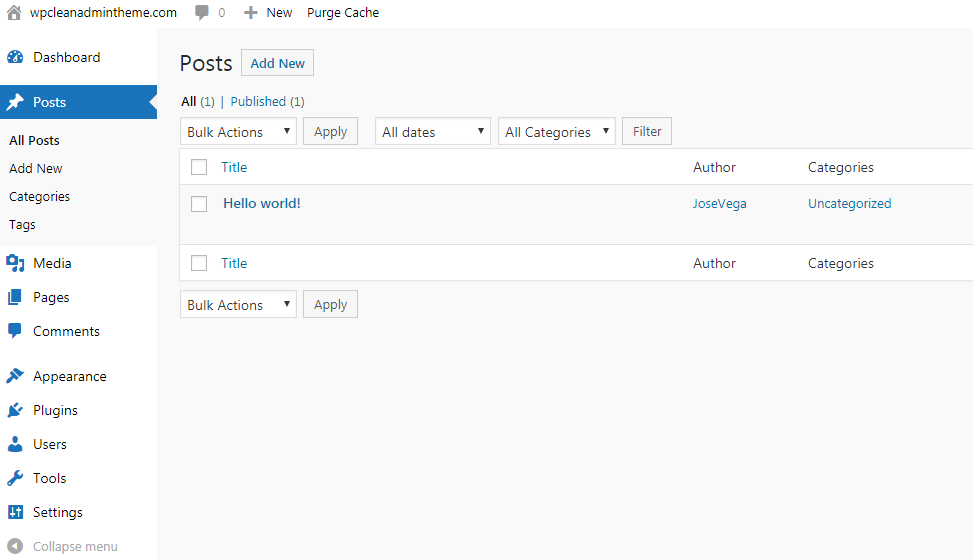
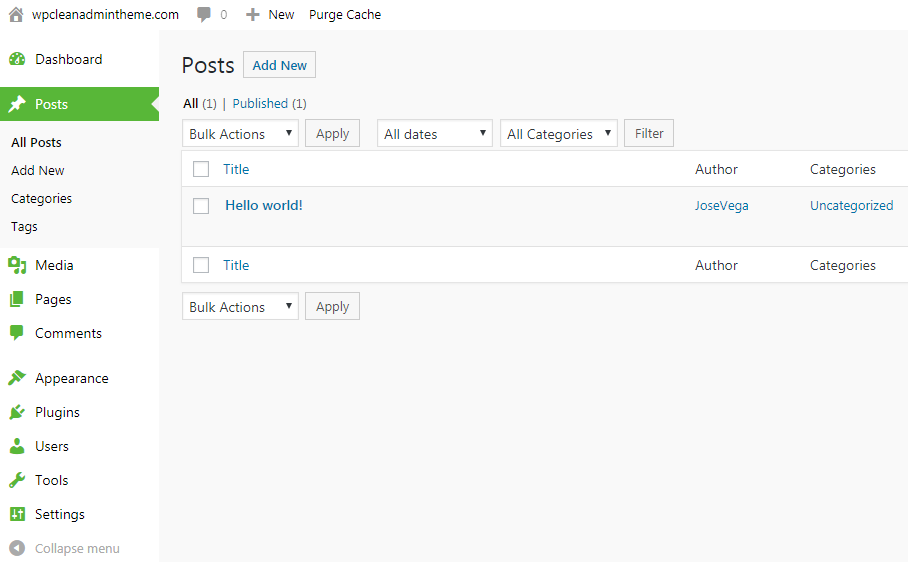
Beautiful design for WP Admin, you can use this plugin to simplify the looks. The WP Admin will look very clean and simple.
You can install the plugin and it works automatically.
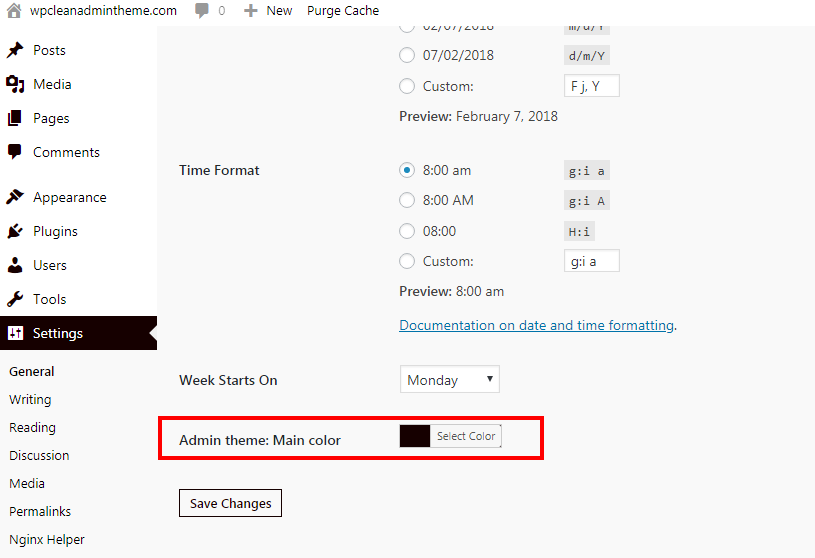
If you don´t like the main color, you can change it in Settings > General options.
Multisite compatible.
If you define a constant in wp-config.php, the setting will be applied to all sites automatically and the options field won´t be displayed: define('WPCAT_MAIN_COLOR', '#000');
Recommended plugins
- WP Sheet Editor is a free plugin that allows you to edit WordPress posts, pages, and WooCommerce products using a spreadsheet.
Mga Screenshot
Pag-install
Automatic installation
Automatic installation is the easiest option as WordPress handles the file transfers itself and you don’t need to leave your web browser. To do an automatic install log in to your WordPress dashboard, navigate to the Plugins menu and click Add New.
In the search field type the plugin name and click Search Plugins. Once you’ve found our plugin you can install it by simply clicking “Install Now”.
Manual installation
The manual installation method involves downloading our plugin and uploading it to your webserver via your favourite FTP application. The WordPress codex contains instructions on how to do this here.
Mga Review


Mga Contributor at Developer
Ang “Clean WP Admin Theme – Simple design” ay open source software. Ang mga sumusunod na tao ay nag-ambag sa plugin na ito.
Mga Contributor

Isalin ang “Clean WP Admin Theme – Simple design” sa iyong wika.
Interesado sa development?
Tingnan ang code, i-check ang SVN repository, o mag-subscribe sa development log sa pamamagitan ng RSS.
Changelog
1.0.3 – 2024-05-20
- Updated readme
1.0.2- 2019-09-08
- Updated readme and author info
1.0.1 – 2019-03-06
- Small tweaks
1.0.0 –
- Initial release.