

Deskripsyon
Easily add a testimonials slider to your WordPress post or page via the new Gutenberg Editor.
- Add testimonial text, author name, author image and author profile link
- Uses Bootstrap and Font Awesome
Donations
If you like the plugin, consider a donation to support further development. Click here
Mga Screenshot
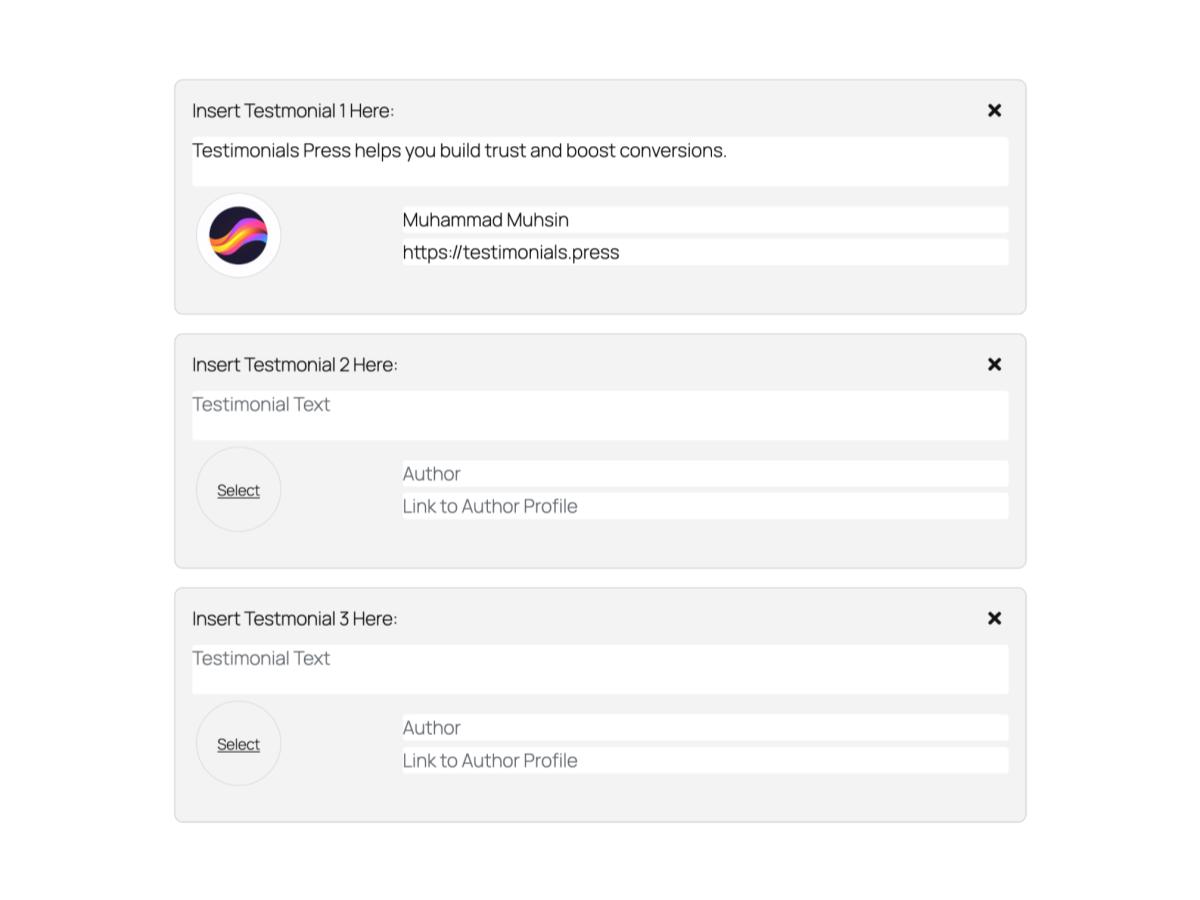
Blocks
Ang plugin na ito ay nagbibigay ng 1 block.
- Testimonials Slider
Pag-install
From your WordPress dashboard
- Visit Plugins > Add New
- Search for “Testimonials Press”
- Install the “Testimonials Press” plugin
- Activate “Testimonials Press” from your Plugins page
- Insert Block on your Gutenberg Editor and select “Testimonials Slider”
Mga Review

Enero 15, 2020
Thank you

Hulyo 11, 2019
Very intuitive, simple and works great. Probably saved me a lot of time and trouble to make my own.

Abril 19, 2019
I needed to testimonial in Gutenburg, and this one is better than the one that came with my theme and better than one that came with my Visual editor. Having the image with the text is a great idea.

Setyembre 2, 2018
easy to use, works with gutenberg
Mga Contributor at Developer
Ang “Testimonials Press” ay open source software. Ang mga sumusunod na tao ay nag-ambag sa plugin na ito.
Mga Contributor
Isalin ang “Testimonials Press” sa iyong wika.
Interesado sa development?
Tingnan ang code, i-check ang SVN repository, o mag-subscribe sa development log sa pamamagitan ng RSS.
Changelog
1.2.5 (05/09/2024)
- Rename to Testimonials Press and update assets.
1.2.4 (05/09/2024)
- Works upto WordPress 6.6.1
1.2.3 (15/07/2022)
- Works upto WordPress 6.0.1
- Moved Edit and Save to their own files.
1.2.1 (02/04/2020)
- Works upto WordPress 5.4.1
- Fix issue with newly added blocks
- Change End of Line Sequence to LF, add package-lock.json
1.1.0 (14/11/2018)
- Works upto WordPress 5.0 now
1.0.1 (12/11/2018)
- Added a11y support for author images
1.0.0 (21/08/2018)
- First release