

Deskripsyon
Remove Schema optionally removes all schema markup from your website.
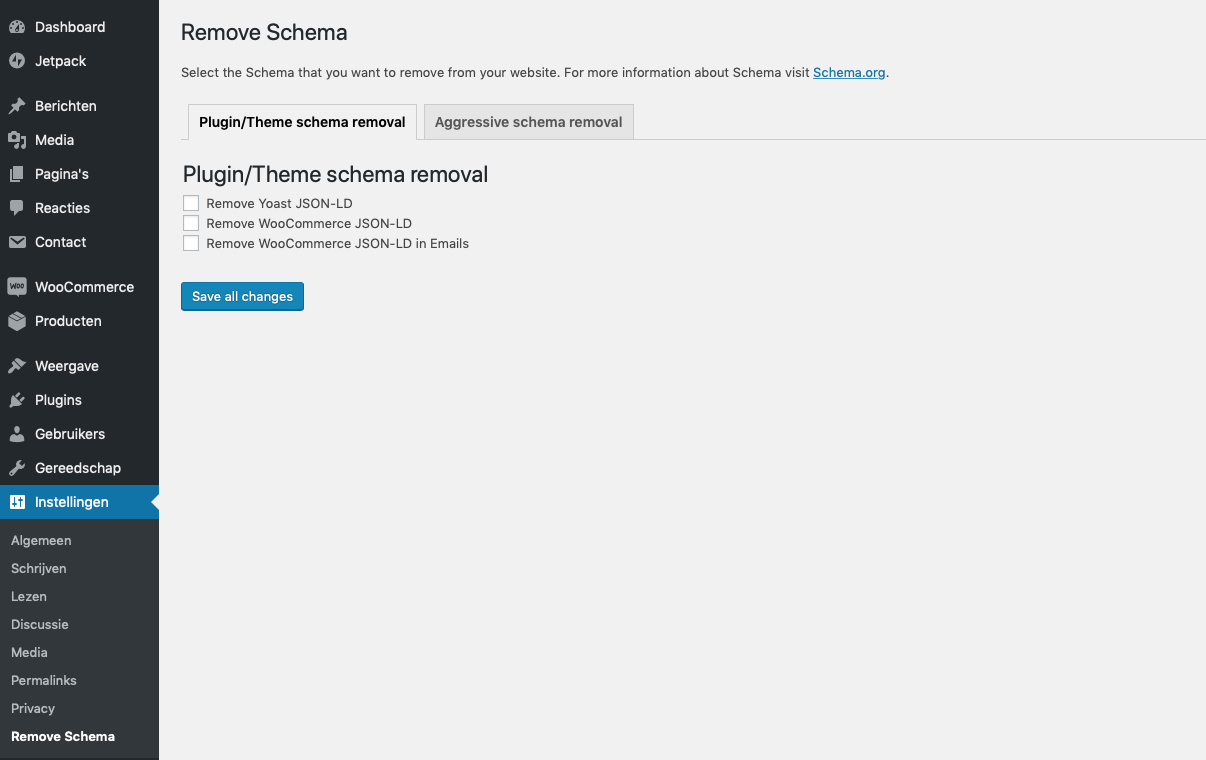
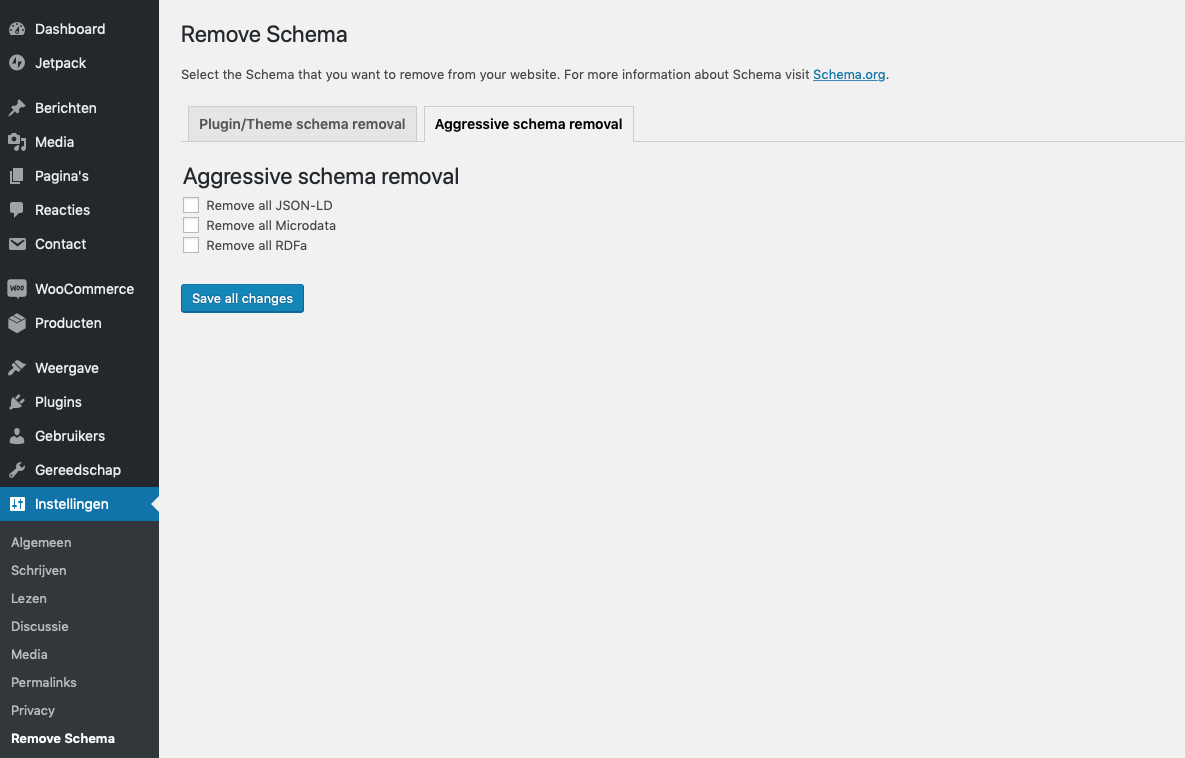
You have the option to remove:
- All JSON-ld
- All Microdata
- All RDFa
And remove plugin/theme specific markup:
- WooCommerce
- WooCommerce emails
- Yoast SEO
- Schema Pro
- GeneratePress themes
Mga Screenshot
Pag-install
You can install Remove Schema at the moment only by downloading it from GitHub and uploading it to your WordPress site:
- Upload
remove-schemadirectory to the/wp-content/plugins/directory. - Activate the plugin through the ‘Plugins’ menu in WordPress.
- Go to settings and check the boxes of the schema markup that you want removed.
Mga Review

Enero 5, 2022
WP 5.8.2
WC 6.0.0

Abril 5, 2021
Works like a charm. Thanks!

Pebrero 7, 2021
Works great! I wanted to add my own schema, but the theme I am using was adding a bunch more, some of it in error. Remove Schema got rid of all that junk and everything's good now!

Pebrero 4, 2021
Did not work for me, not sure what the problem is but did not get a response to my support request for some time now

Hulyo 2, 2020
i loved, this cool

Pebrero 29, 2020
1 na reply
good
Mga Contributor at Developer
Ang “Remove Schema” ay open source software. Ang mga sumusunod na tao ay nag-ambag sa plugin na ito.
Mga Contributor
Ang “Remove Schema” ay naisalin na sa 2 (na) mga locale. Salamat sa mga tagasalin para sa kanilang mga kontribusyon.
Isalin ang “Remove Schema” sa iyong wika.
Interesado sa development?
Tingnan ang code, i-check ang SVN repository, o mag-subscribe sa development log sa pamamagitan ng RSS.
Changelog
2.0
- Full rewrite of the plugin
1.6.2
- PHP 8.2 support
1.6.1
- Improved security
1.4
- Add Yoast SEO Premium support
1.3.4
- Add multisite support
1.3.3
- Remove review notice
1.3.2
- Bugfixes – page specific markup wouldn’t save if everything was unchecked.
1.3
- Improved security
- Add page specific support on all page types
1.2
- Add support for GeneratePress themes
- Add support for removing hentry classes
1.1
- Code cleanup
1.0
- Inital release