

Deskripsyon
Please report any bugs to support@pushpress.com
Existing PushPress Clients Only
This plugin is made for existing PushPress clients only.
If you do not have an account alraed, please register now at https://pushpress.com/register
Features
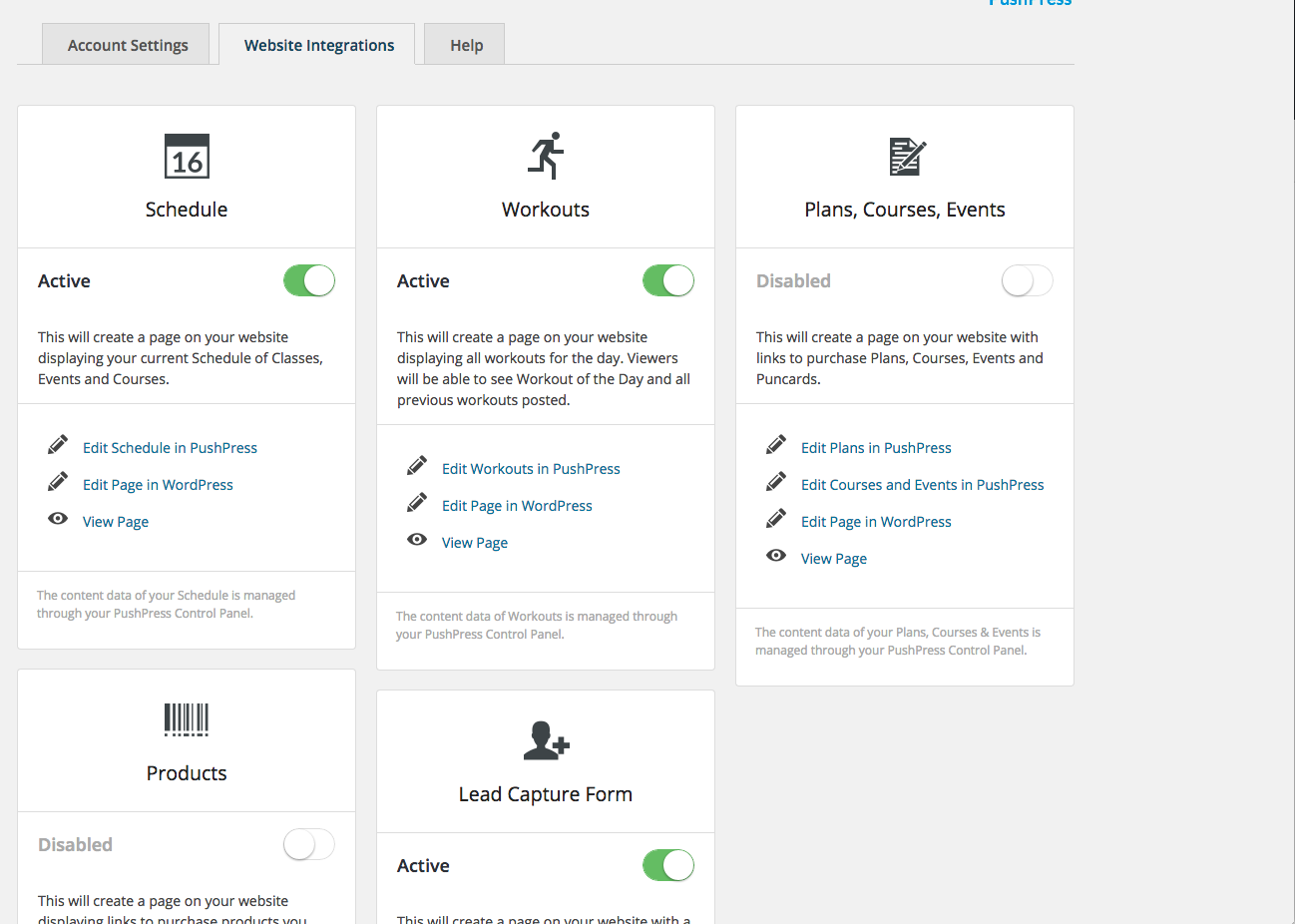
- ALL PAGES ARE 100% BUILT TO FIT INTO YOUR THEME. NO IFRAMES, AND NO JUNK CLUTTERING UP YOUR BEAUTIFUL WEBSITE.
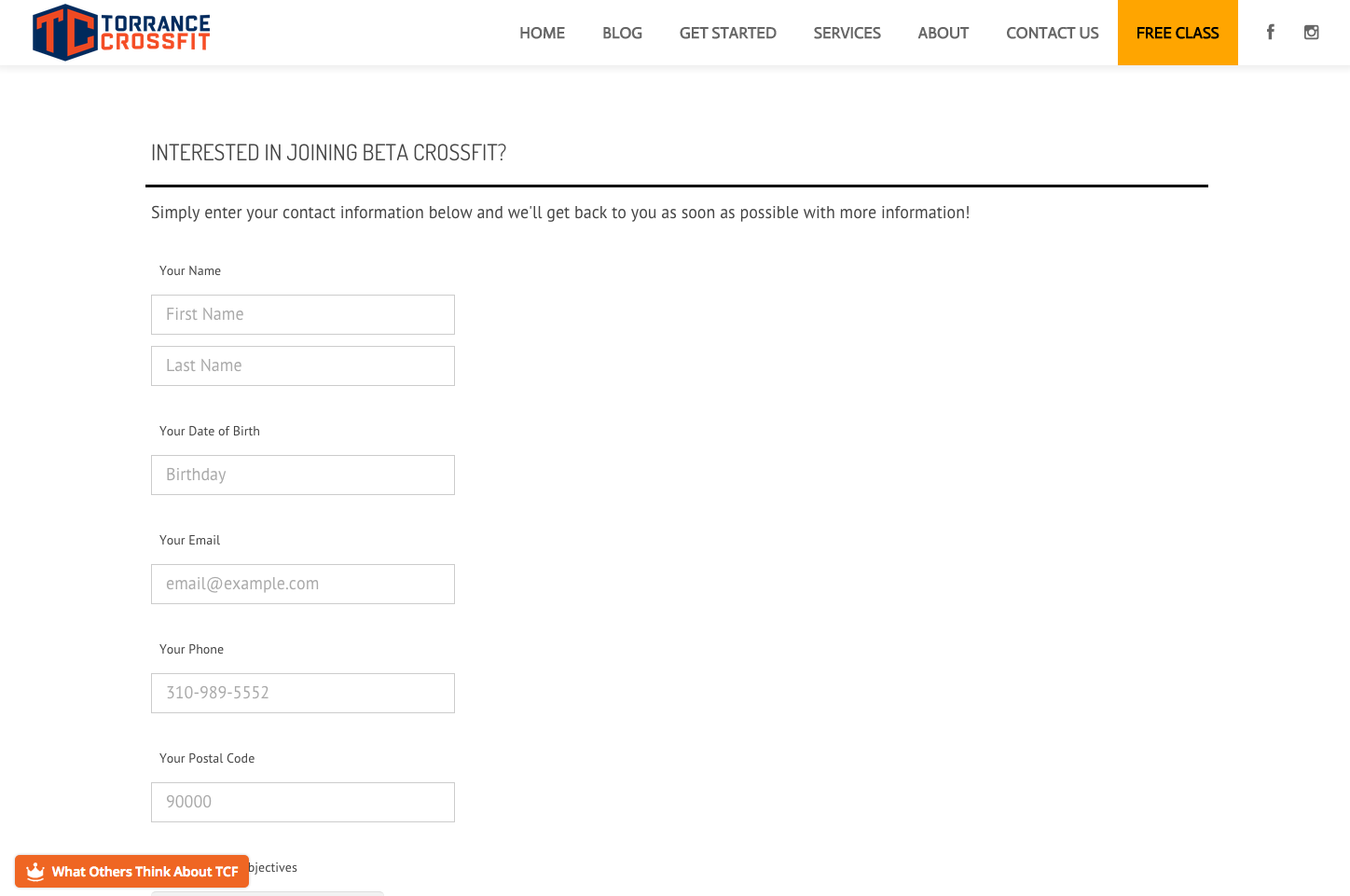
- Generate leads from your blog and have them tie directly into your PushPress system.
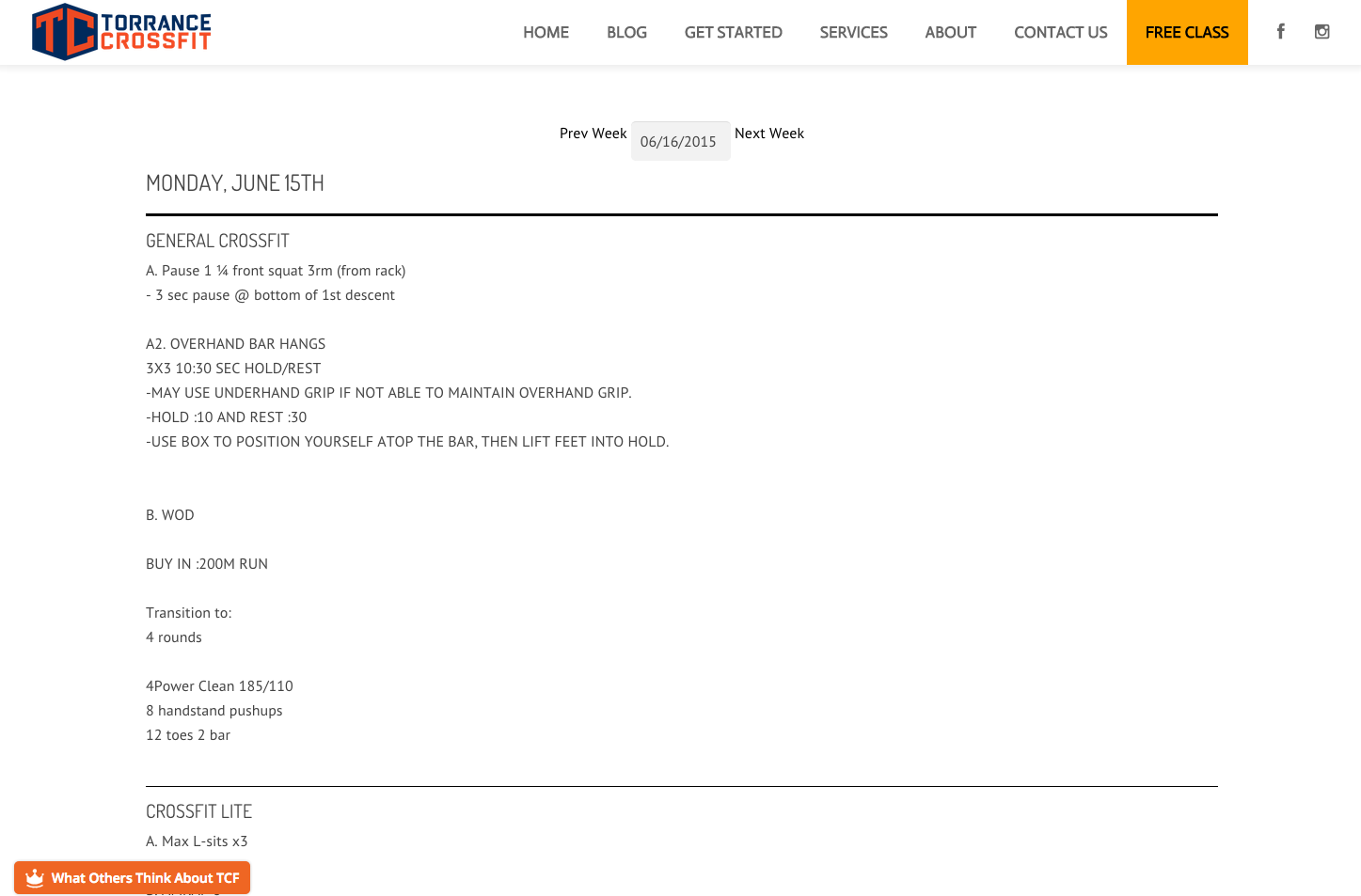
- Integrate your schedule with your blog.
- Allow your clients to reserve classes and checkin from your blog.
- Automatically publish your workouts from PushPress to your blog.
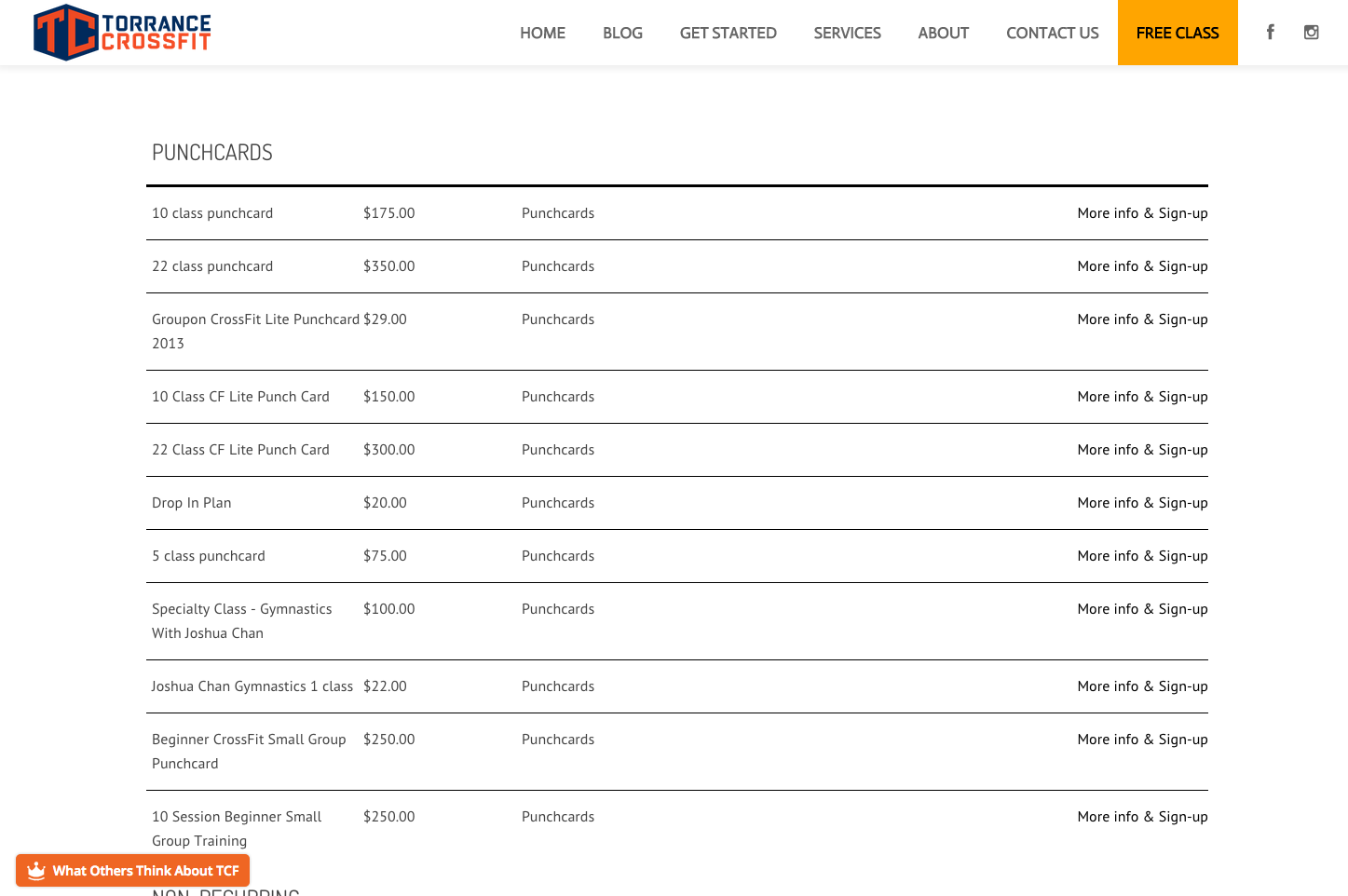
- Sell event and course tickets from your blog.
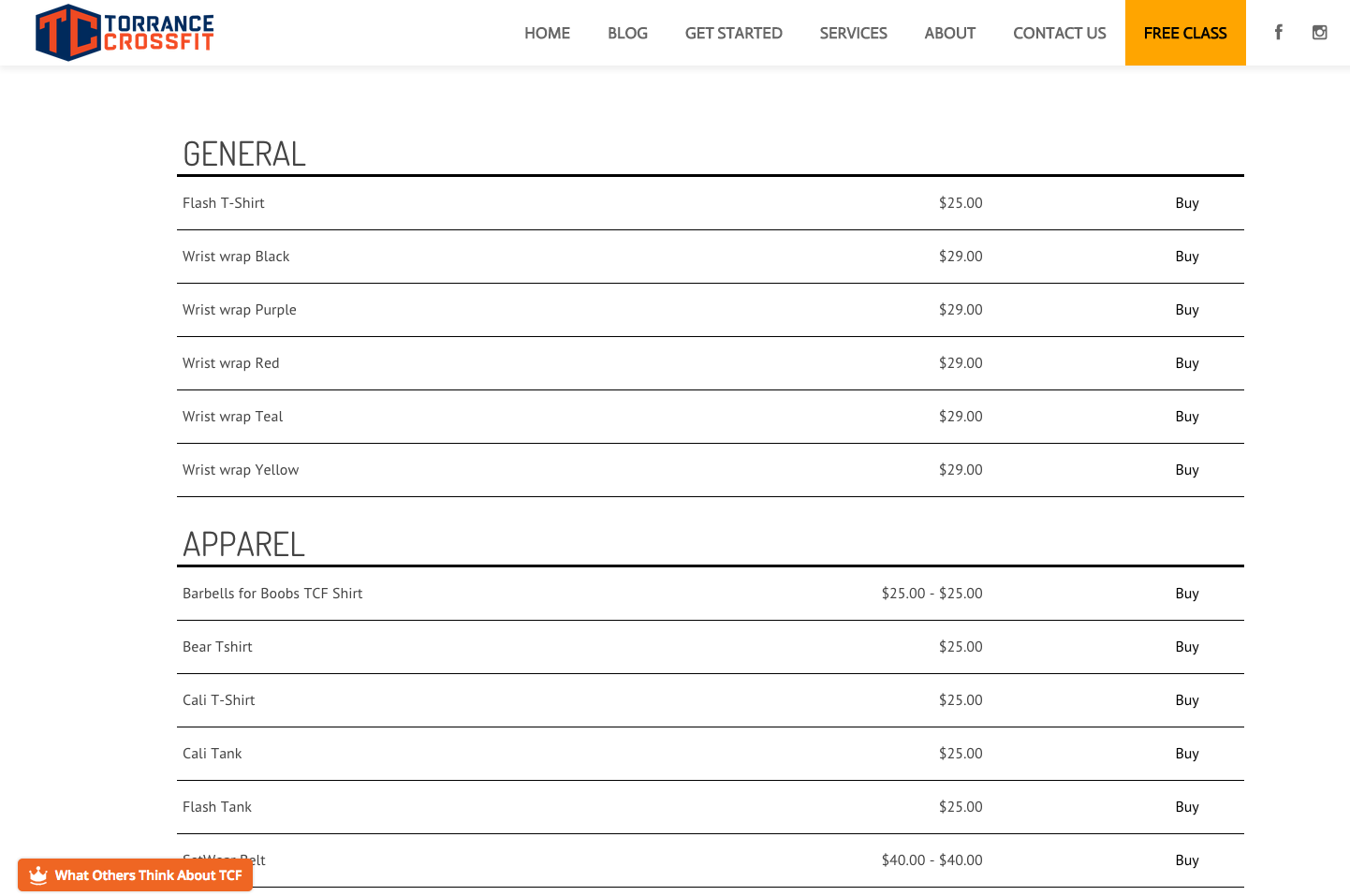
- List and sell products from your blog.
- MORE TO COME!
Mga Screenshot


Pag-install
- Upload the complete plugin folder structure to your plugins directory.
- Activate the PushPress plugin through the Plugins menu.
- If you haven’t already done so, register for a PushPress account at https://pushpress.com
- Go to your Integrations Settings and grab your API Public Key.
- Navigate to your PushPress plugin by clicking on PushPress from the left hand admin menu.
- Paste your PushPress API Public key in the field labeled “PushPress Integration Code”.
FAQ
Please visit http://support.pushpress.com for more help.
Email us at support@pushpress.com if you need additional assistance.
- Installation Instructions
-
- Upload the complete plugin folder structure to your plugins directory.
- Activate the PushPress plugin through the Plugins menu.
- If you haven’t already done so, register for a PushPress account at https://pushpress.com
- Go to your Integrations Settings and grab your API Public Key.
- Navigate to your PushPress plugin by clicking on PushPress from the left hand admin menu.
- Paste your PushPress API Public key in the field labeled “PushPress Integration Code”.
Mga Review
Wala pang reviews para sa plugin na ito.
Mga Contributor at Developer
Ang “PushPress.com” ay open source software. Ang mga sumusunod na tao ay nag-ambag sa plugin na ito.
Mga Contributor
Isalin ang “PushPress.com” sa iyong wika.
Interesado sa development?
Tingnan ang code, i-check ang SVN repository, o mag-subscribe sa development log sa pamamagitan ng RSS.
Changelog
1.6
Resetting the change log with a fresh update to 1.6
1.6.1 and 1.6.2
Debugging and small tweaks
1.6.3 and 1.6.4
Fixing Lead form and installation issues.
1.6.6
Removed “Getting client from API”