

Deskripsyon
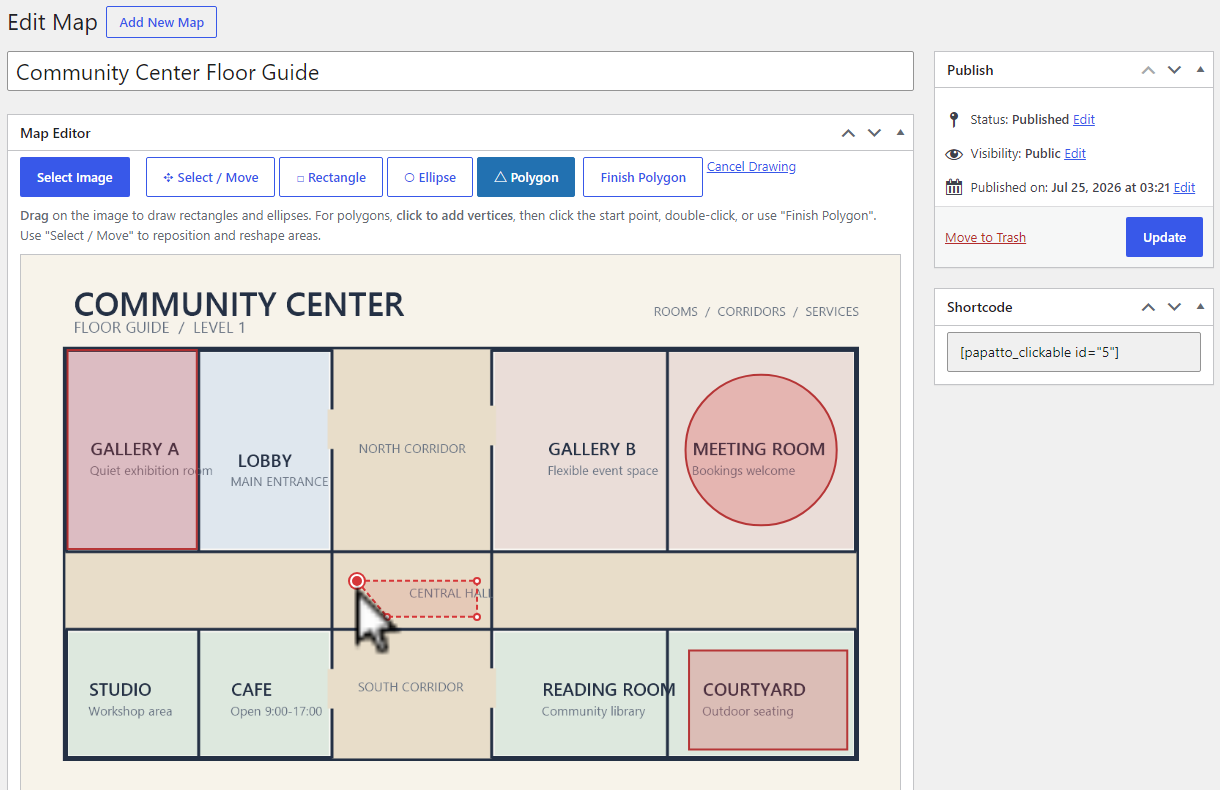
Papatto Clickable Image Map is a standalone link-based clickable map plugin for WordPress. Choose an image from the Media Library, draw rectangle, ellipse, and polygon areas, then publish the clickable map with a shortcode.
No artificial limit is imposed on the number of maps or areas.
Each area can have a label, a link, and an option to open that link in a new tab. To finish a polygon, click its starting point after placing at least three points.
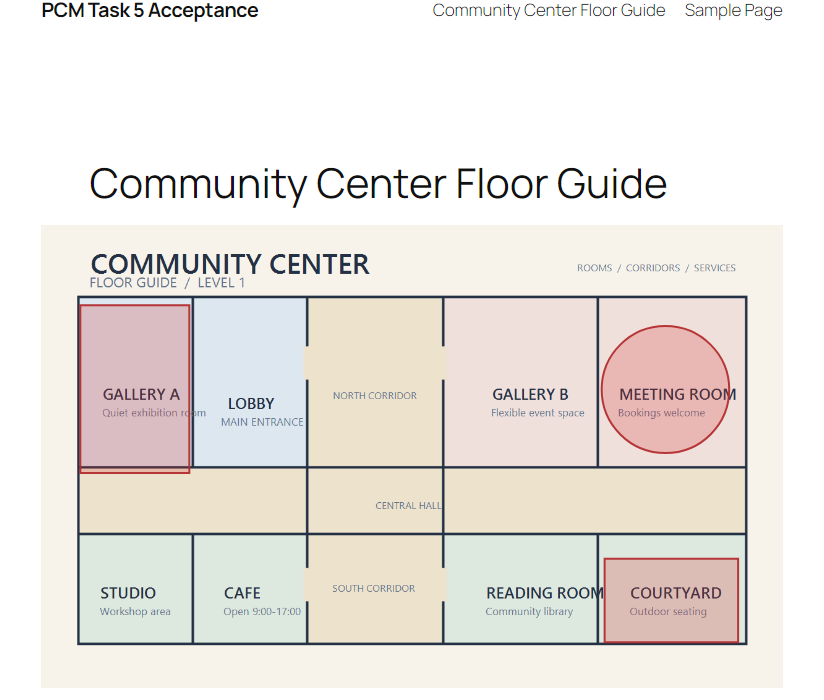
The front-end image and its SVG area overlay scale together for responsive display. The plugin creates, edits, and displays standalone link-based clickable maps inside WordPress without making external license requests.
Mga Screenshot
Pag-install
- Upload the plugin files to the
/wp-content/plugins/papatto-clickable-image-mapdirectory, or install the plugin through the WordPress Plugins screen. - Activate Papatto Clickable Image Map through the Plugins screen.
- Open Clickable Maps, create a map, select an image, and draw areas.
- Publish the map and add
[papatto_clickable id="123"]to a post or page, replacing123with the map ID.
FAQ
-
How do I finish a polygon?
-
Click the polygon’s starting point after placing at least three points to close it.
-
Does the map work on mobile devices?
-
Yes. The image and its clickable SVG overlay are rendered responsively.
Mga Review
Wala pang reviews para sa plugin na ito.
Mga Contributor at Developer
Ang “Papatto Clickable Image Map” ay open source software. Ang mga sumusunod na tao ay nag-ambag sa plugin na ito.
Mga Contributor
Isalin ang “Papatto Clickable Image Map” sa iyong wika.
Interesado sa development?
Tingnan ang code, i-check ang SVN repository, o mag-subscribe sa development log sa pamamagitan ng RSS.
Changelog
2.0.2
- Fix WordPress.org packaging and text-domain compliance.
2.0.1
- Added a discreet Pro link in the Plugins list and map editor.
2.0.0
- Prepared the standalone link-based editor for the WordPress Plugin Directory.
- Kept rectangle, ellipse, polygon, shortcode, and responsive SVG behavior focused on clickable image maps.