
Deskripsyon
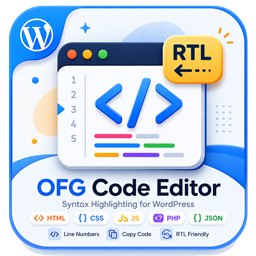
OFG Code Editor provides a consistent way to publish code snippets in WordPress.
Features:
- Gutenberg block for formatted code output.
- Classic editor button for inserting the shortcode template.
- Shortcode support via
[ofgcodeeditor_code]. - Copy button and line numbers on the frontend.
- Responsive code box layout with light and dark friendly styling.
Mga Screenshot


Blocks
Ang plugin na ito ay nagbibigay ng 1 block.
- OFG Code Editor
Pag-install
- Upload the plugin files to the
/wp-content/plugins/ofg-code-editordirectory, or install the plugin through the WordPress plugins screen. - Activate the plugin through the
Pluginsscreen in WordPress. - Insert the
OFG Code Editorblock in Gutenberg or use the classic editor helper button.
FAQ
-
Which shortcode should I use?
-
Use
[ofgcodeeditor_code language="html"]...[/ofgcodeeditor_code]. -
Can I change the visible label?
-
The plugin uses a fixed header label: OFG Code Editor Plugin.
Mga Review
Wala pang reviews para sa plugin na ito.
Mga Contributor at Developer
Ang “OFG Code Editor” ay open source software. Ang mga sumusunod na tao ay nag-ambag sa plugin na ito.
Mga Contributor
Isalin ang “OFG Code Editor” sa iyong wika.
Interesado sa development?
Tingnan ang code, i-check ang SVN repository, o mag-subscribe sa development log sa pamamagitan ng RSS.
Changelog
1.0.3
- Updated plugin tested version metadata.
1.0.2
- Updated plugin metadata for WordPress.org review.
- Removed the legacy generic shortcode alias.
- Removed the unnecessary wrapper around the plugin class.
1.0.1
- Removed manual textdomain loading.
1.0.0
- Initial release.