

Deskripsyon
WordPress hosting is not designed to stream multi-gigabyte equirectangular video. Mirame360 hosts, encodes and adaptively streams your 360° media, while this plugin embeds it cleanly on your WordPress site.
Use Mirame360 embeds in three ways:
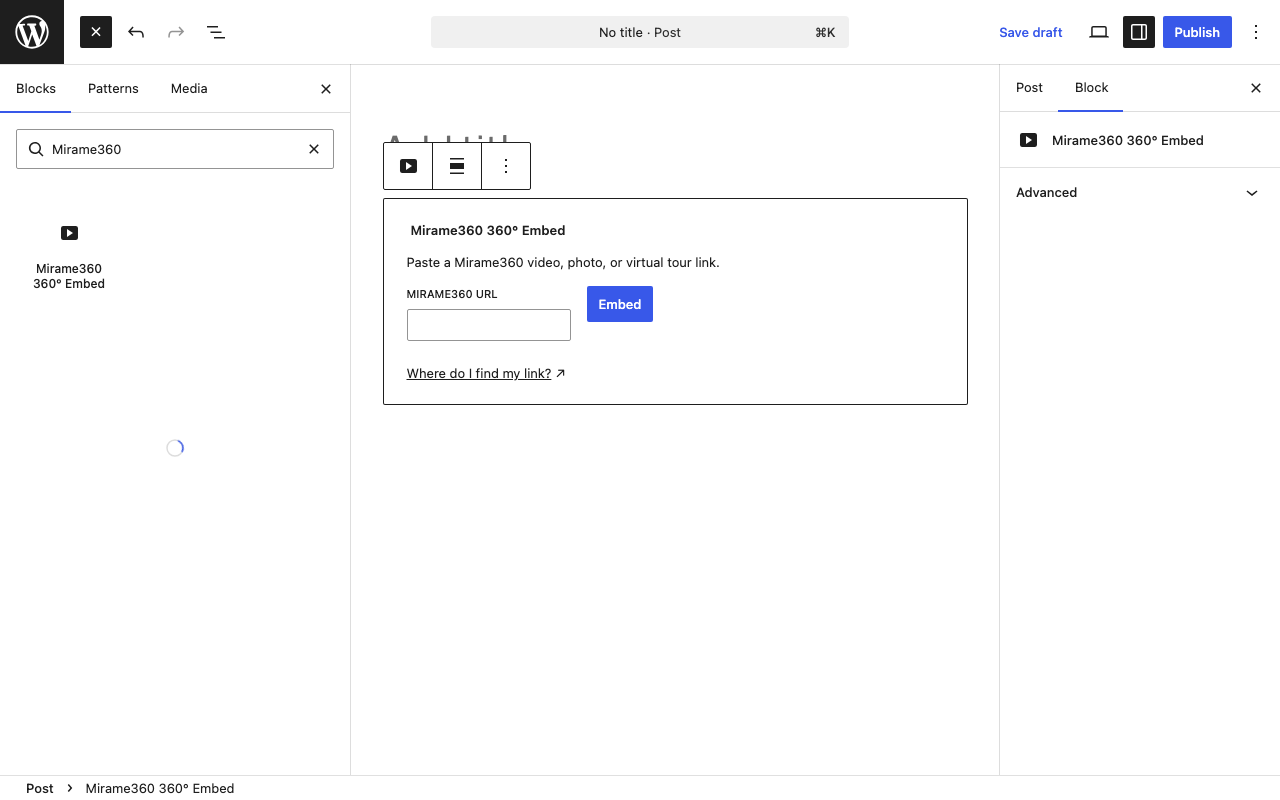
- Add the Mirame360 360° Embed block and paste a Mirame360 link.
- Use a shortcode, for example:
[mirame360 url="https://mirame360.com/embed/123e4567-e89b-12d3-a456-426614174000/"]. - Paste a supported Mirame360 URL on its own line in the editor and WordPress turns it into an embed.
How it works
Block
- In the block editor, select Mirame360 360° Embed.
- Paste a Mirame360 video, photo, virtual-tour, or alias link.
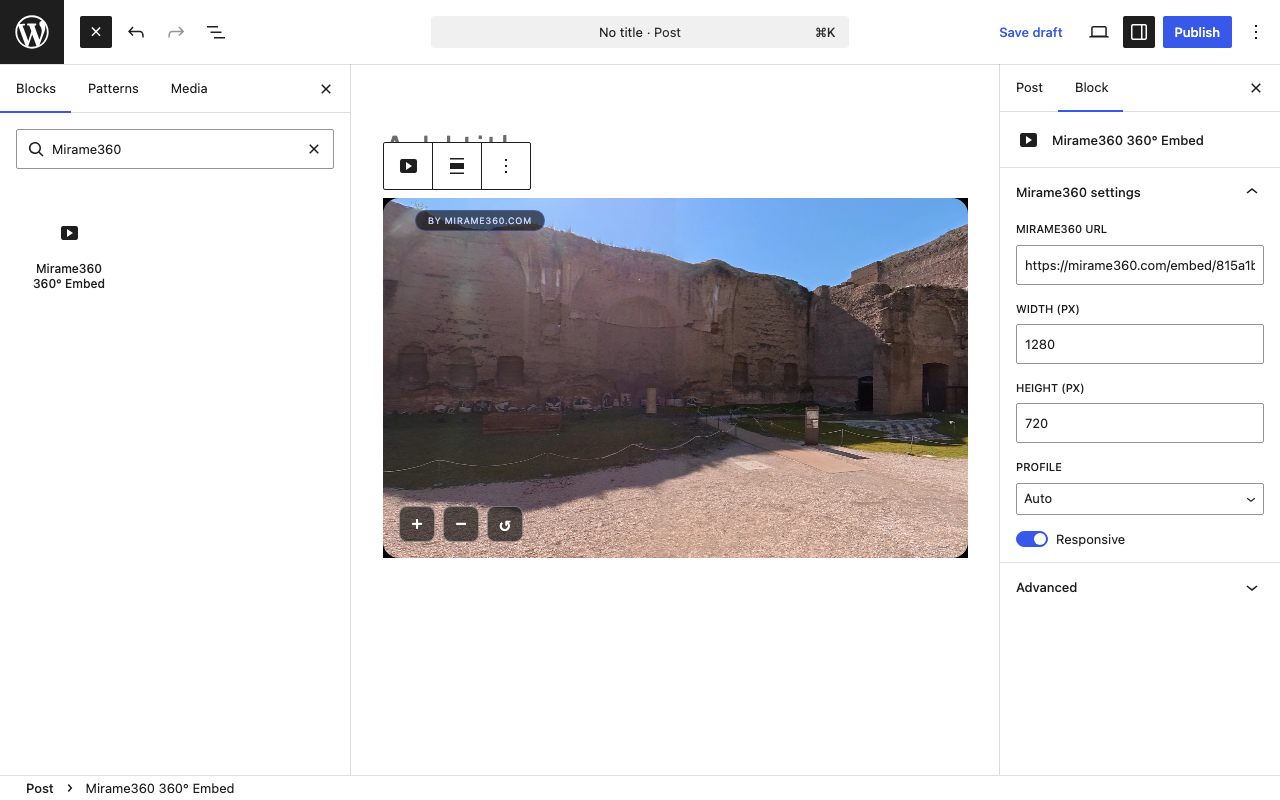
- Select Embed and the player preview appears immediately.
- Select the block and open the sidebar to adjust its URL, width, height, player profile, and responsive setting.
Shortcode
Use [mirame360] wherever WordPress shortcodes are supported, including the classic editor and page builders such as Elementor.
url— A supported Mirame360 URL or a bare UUID. This takes precedence over every other source.id— A bare UUID for a video or photo embed.tour— A virtual-tour slug, for examplemuseum-west-wing.alias— A named-alias slug.width— Player width in pixels, from 200 to 4096. The default is1280.height— Player height in pixels, from 200 to 4096. The default is720.profile— Optional player profile:default,4k,1080p, orimage.responsive—yes,no,true, orfalse. The default isyes.
Examples:
[mirame360 id="123e4567-e89b-12d3-a456-426614174000"]

[mirame360 tour="museum-west-wing" profile="4k"]

[mirame360 alias="summer-panorama" responsive="no" width="1920" height="1080"]
Paste a link
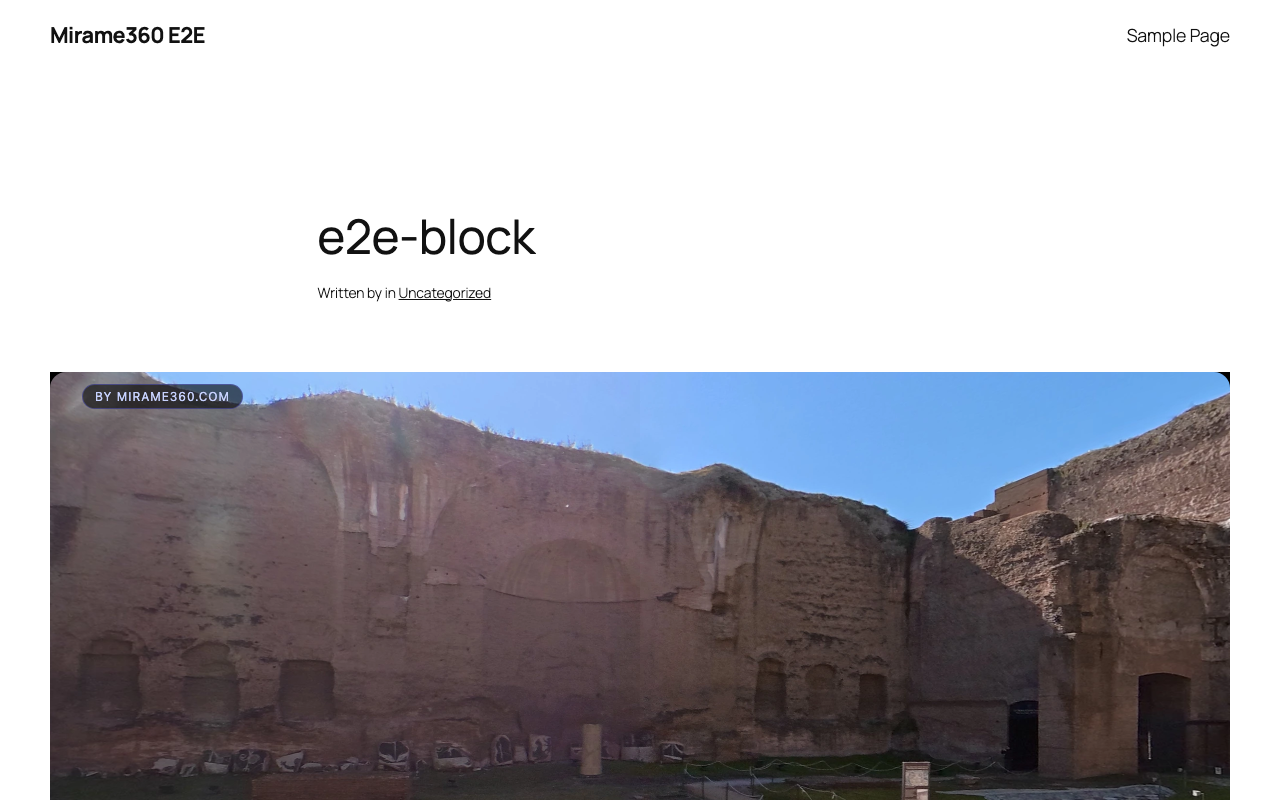
Paste a supported https://mirame360.com/embed/.../, https://mirame360.com/embed/tour/.../, or https://mirame360.com/video/url/.../ link on a line by itself. WordPress replaces it with a responsive player when the post is displayed.
Features:
- Supports 360° video, panoramic photos and virtual tours.
- Responsive embeds with lazy loading and a privacy-conscious referrer policy.
- Optional player profile and dimensions.
- No media files, database settings or external PHP dependencies.
Create a free account and host your media at Mirame360.
External services
This plugin embeds media from Mirame360. When a visitor views a page containing an embed, the iframe loads content from mirame360.com. See the Mirame360 privacy policy.
Mga Screenshot
Blocks
Ang plugin na ito ay nagbibigay ng 1 block.
- Mirame360 360° Embed
Pag-install
- Upload the plugin files to the
/wp-content/plugins/mirame360-embeddirectory, or install the plugin through the WordPress Plugins screen. - Activate the plugin through the Plugins screen in WordPress.
- Add a Mirame360 block, use the shortcode, or paste a supported Mirame360 URL on its own line.
FAQ
-
Is Mirame360 free?
-
Yes. Registration and upload at Mirame360 is free; visit mirame360.com for current service details.
-
Where do I find my embed link?
-
Log in at mirame360.com, open the video, photo, or tour from your library, and copy its embed link (or the full iframe snippet — the plugin accepts the plain link). See the How To guide for details.
-
Do I need an account?
-
You need a Mirame360 account to host and manage media there. Visitors do not need one to view an embed.
-
What formats does it support?
-
The plugin embeds Mirame360 360° videos, panoramic photos and virtual tours.
-
Does it work with Elementor or the classic editor?
-
Yes. Use the
[mirame360]shortcode in Elementor, the classic editor, or any editor that supports WordPress shortcodes. -
Is the video loaded from my server?
-
No. Media is streamed from the Mirame360 CDN, not from your WordPress server.
Mga Review
Wala pang reviews para sa plugin na ito.
Mga Contributor at Developer
Ang “Mirame360 Embed” ay open source software. Ang mga sumusunod na tao ay nag-ambag sa plugin na ito.
Mga Contributor
Isalin ang “Mirame360 Embed” sa iyong wika.
Interesado sa development?
Tingnan ang code, i-check ang SVN repository, o mag-subscribe sa development log sa pamamagitan ng RSS.
Changelog
1.0.0
- Initial release.