
Deskripsyon
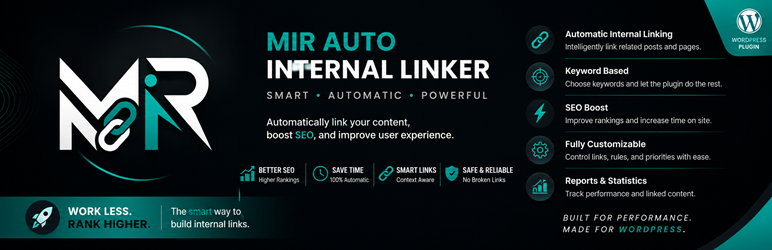
Mir Auto Internal Linker helps you create internal links automatically from selected keywords to target URLs.
Features:
- Create keyword-to-URL rules.
- Limit links per keyword and per post.
- Set keyword priority.
- Optional new-tab and nofollow attributes.
- Skip existing links and headings.
- Choose supported public post types.
- Exclude specific posts and categories.
- Basic linking statistics.
- Translation-ready and includes Persian translation files.
The plugin processes content when it is displayed. It does not permanently rewrite post content.
Pag-install
- Upload the
mir-auto-internal-linkerfolder to/wp-content/plugins/or install the ZIP file from the WordPress Plugins screen. - Activate the plugin through the Plugins screen.
- Open Auto Internal Linker > Keywords and add your keyword rules.
- Configure global behavior in Auto Internal Linker > Settings.
FAQ
-
Does the plugin permanently change post content?
-
No. Links are generated dynamically when content is displayed.
-
Can I exclude posts or categories?
-
Yes. Add post IDs or category IDs in the plugin settings.
-
Does it avoid existing links?
-
Yes. By default, text already inside anchor tags is skipped.
Mga Review
Wala pang reviews para sa plugin na ito.
Mga Contributor at Developer
Ang “Mir Auto Internal Linker” ay open source software. Ang mga sumusunod na tao ay nag-ambag sa plugin na ito.
Mga Contributor
Isalin ang “Mir Auto Internal Linker” sa iyong wika.
Interesado sa development?
Tingnan ang code, i-check ang SVN repository, o mag-subscribe sa development log sa pamamagitan ng RSS.
Changelog
1.0.0
- Initial release.