
Deskripsyon
A standard wordpress plugin that helps you add multiple widgets to navigation menu item.
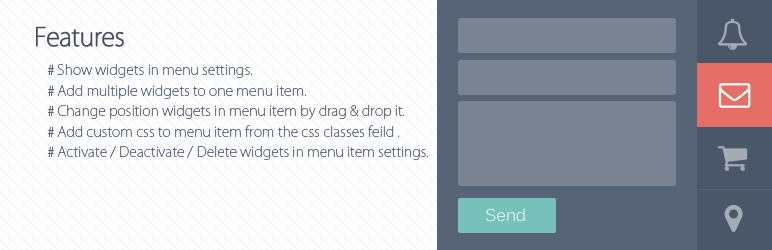
Features
- Show widgets in menu settings.
- Add multiple widgets to one menu item.
- Change position widgets in menu item by drag & drop it.
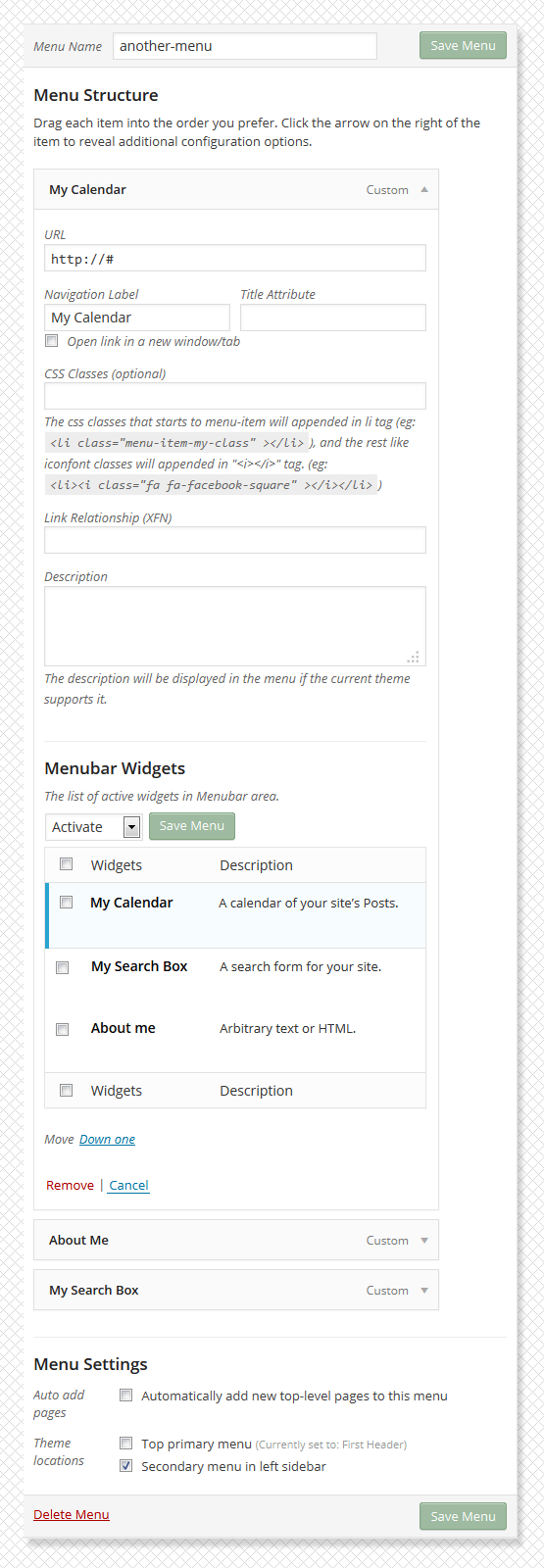
- Add custom css to menu item from the css classes feild in menu settings, the css classes starts to ‘menu-item will’ appends in “li” tag and the rest of appends to “i” tag.(eg: )
Activate / Deactivate / Delete widgets in menu item settings.
Mga Screenshot



Pag-install
- Download the latest version Menubar Widgets, or copy it to local by
git clone https://bitbucket.org/khosroblog/menubar-widgets.git - Move the menubar-widgets folder in the
wp-content/pluginsdirectory. - Navigate to the Plugins dashboard page.
- Activate the plugin Menubar Widgets.
FAQ
You can to use this link for support and error reporting.
- https://bitbucket.org/khosroblog/menubar-widgets/issues/
Mga Review

Setyembre 3, 2016
1 na reply
This is an amazing plug in – I can’t believe that it is free!! After a few teething problems, I got it to work. And replies to questions were very fast – great support. Thank you.
Mga Contributor at Developer
Ang “Menubar Widgets” ay open source software. Ang mga sumusunod na tao ay nag-ambag sa plugin na ito.
Mga Contributor
Isalin ang “Menubar Widgets” sa iyong wika.
Interesado sa development?
Tingnan ang code, i-check ang SVN repository, o mag-subscribe sa development log sa pamamagitan ng RSS.
Changelog
v0.1.0
- Initial release.