
Deskripsyon
Editor UI Tools enhances your WordPress editing experience by providing productivity controls for the Block Editor (Gutenberg):
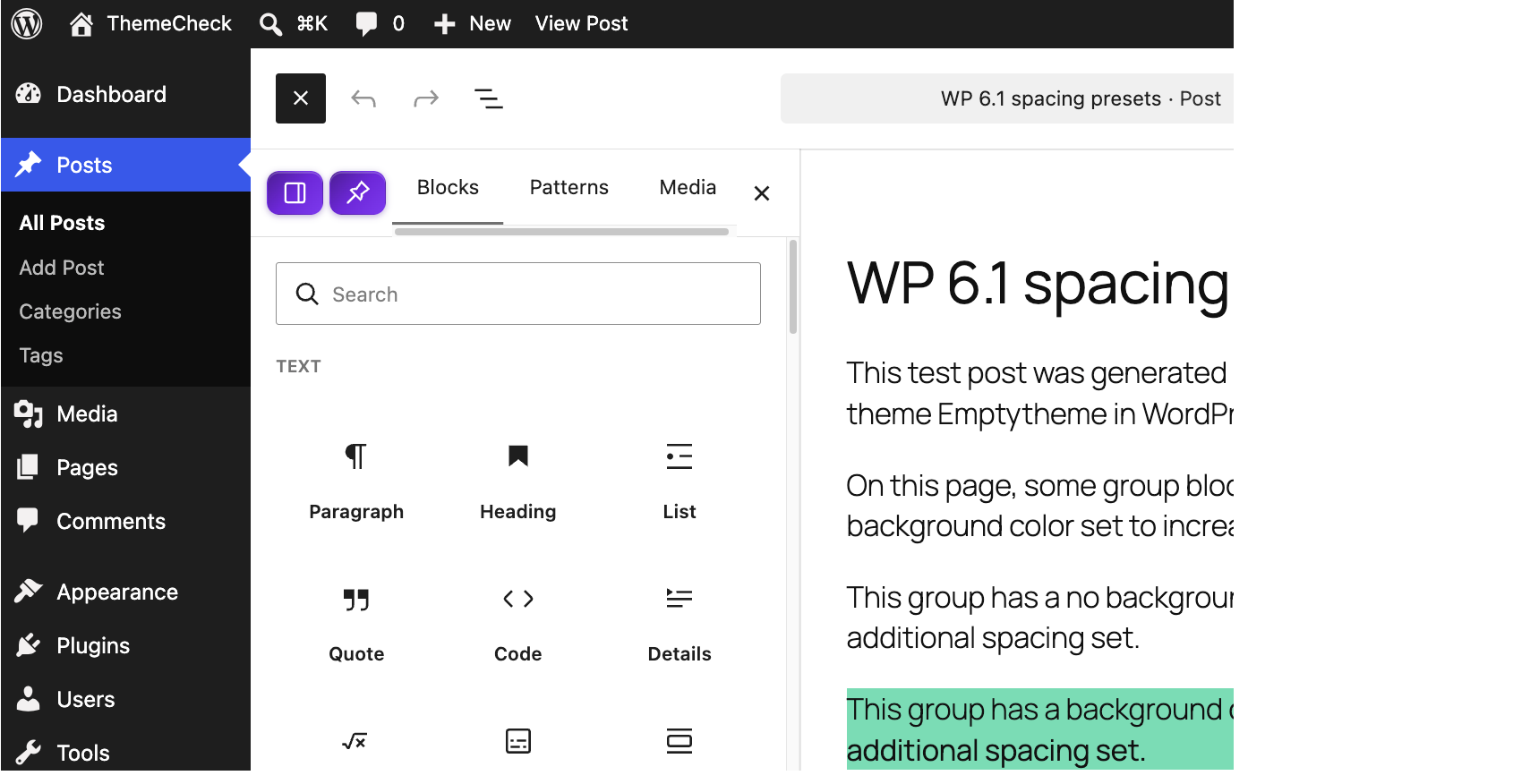
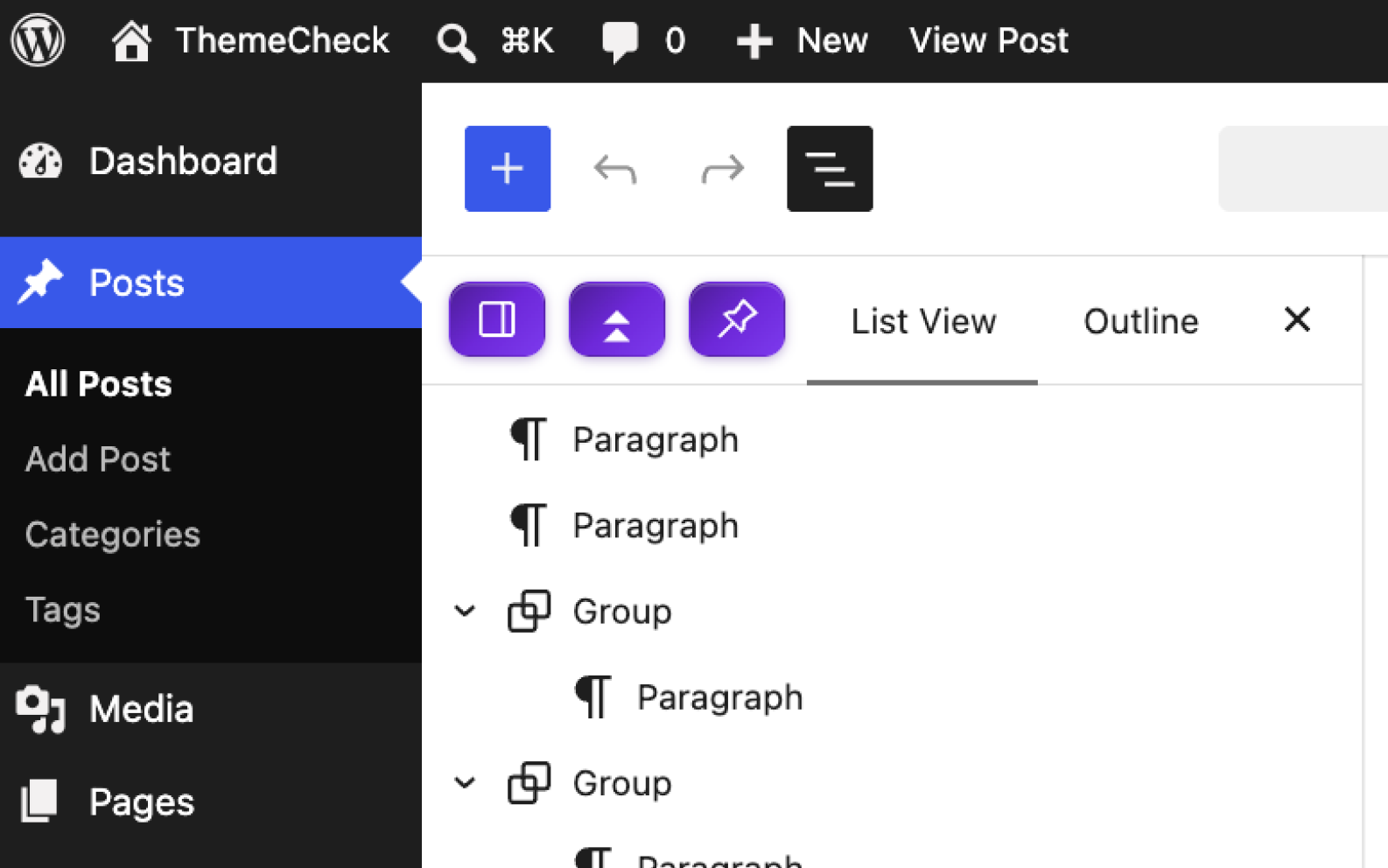
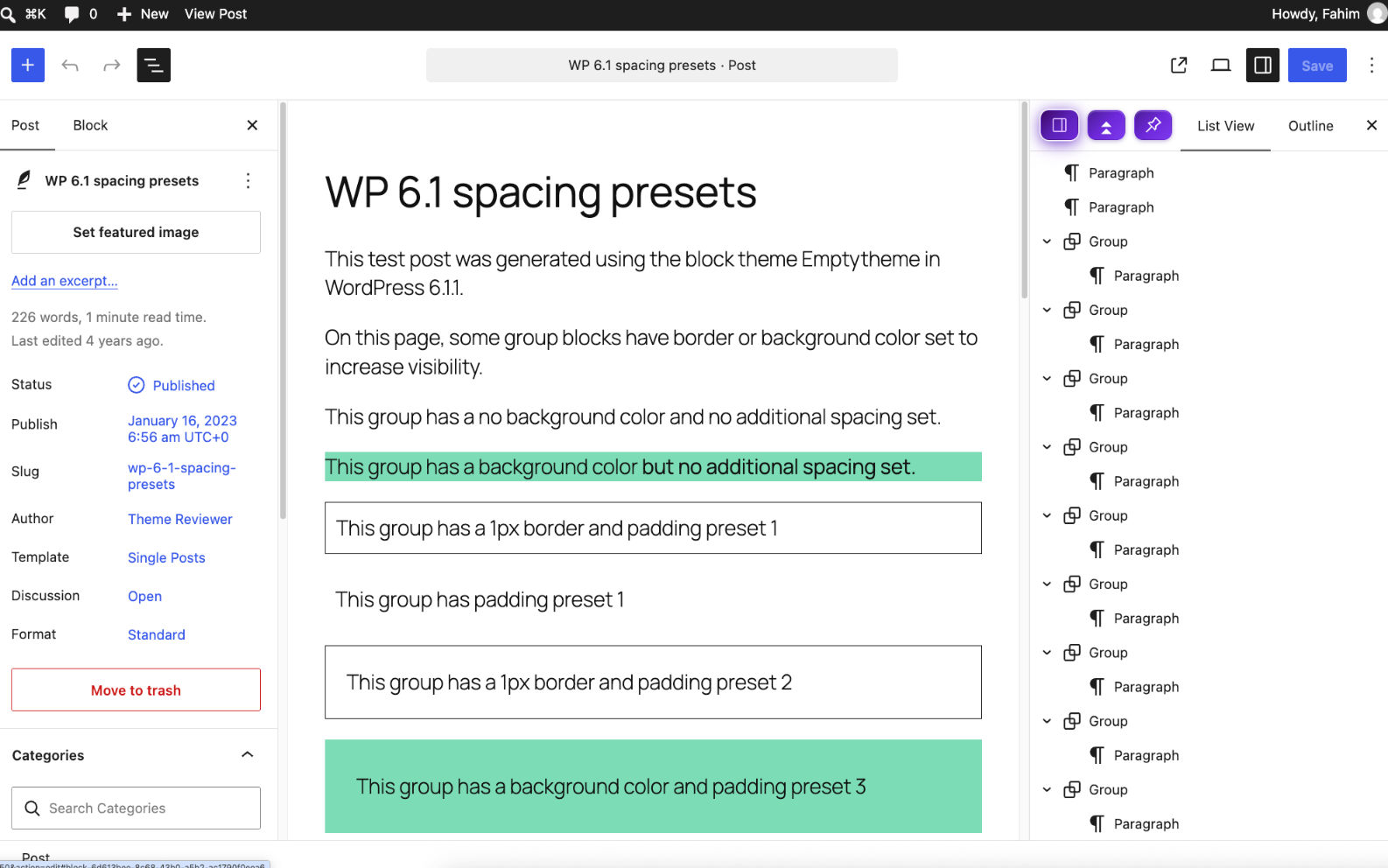
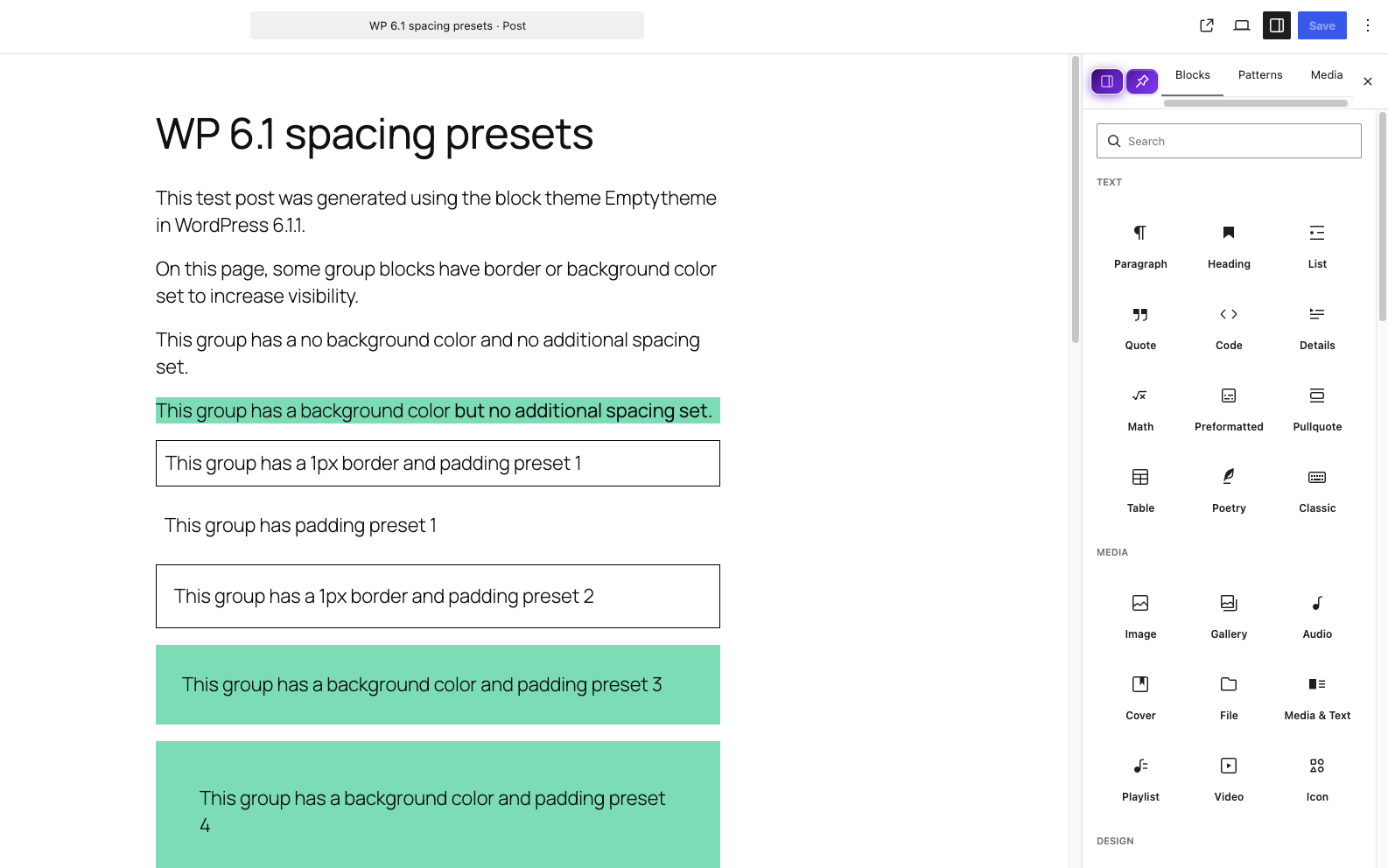
- Sidebar Pinning: Add a Pin button before the Close button on both Block Inserter and Document Overview sidebars so they stay pinned open.
- Sidebar Position Toggle: Effortlessly switch the Block Inserter & Document Overview sidebar layout position between Left and Right.
- Expand & Collapse All: Easily expand or collapse all nested blocks in Document Overview with a single click (
.block-editor-list-view__expander). - Persistent Settings: All customizations automatically persist using
localStorage.
Mga Screenshot
Pag-install
- Upload the
editor-ui-toolsfolder to the/wp-content/plugins/directory. - Activate the plugin through the ‘Plugins’ menu in WordPress.
- Open the Block Editor on any Post or Page to enjoy the new controls.
FAQ
-
Does this plugin modify core WordPress files?
-
No. Editor UI Tools operates 100% independently through clean JavaScript hooks and CSS layout overrides without touching WordPress core files.
-
How do I expand or collapse all blocks in Document Overview?
-
Open the Document Overview sidebar in the editor and click the new Expand/Collapse All button in the header bar.
Mga Review
Wala pang reviews para sa plugin na ito.
Mga Contributor at Developer
Ang “Editor UI Tools” ay open source software. Ang mga sumusunod na tao ay nag-ambag sa plugin na ito.
Mga Contributor
Isalin ang “Editor UI Tools” sa iyong wika.
Interesado sa development?
Tingnan ang code, i-check ang SVN repository, o mag-subscribe sa development log sa pamamagitan ng RSS.
Changelog
1.0.0
- Initial release with Sidebar Pinning, Left/Right Position Toggle, and Document Overview Expand/Collapse All.