

Deskripsyon
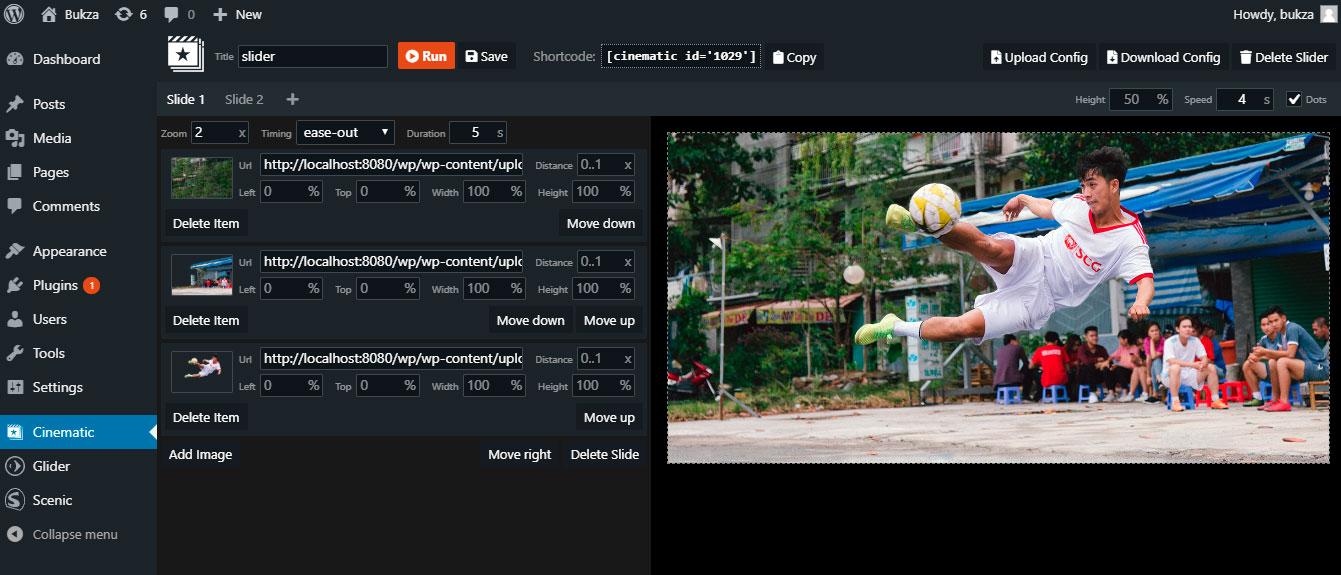
Cinematic – is a responsive. touch-friendly Slider that displays your content with parallax 3D effect.
You can easily prepare layers for your own images in photo editor – a video lesson for Adobe Photoshop is included.
Mga Screenshot

Pag-install
INSTALLATION STEPS
- Install the plugin through the WordPress plugins screen.
- Activate the plugin through the ‘Plugins’ menu in WordPress.
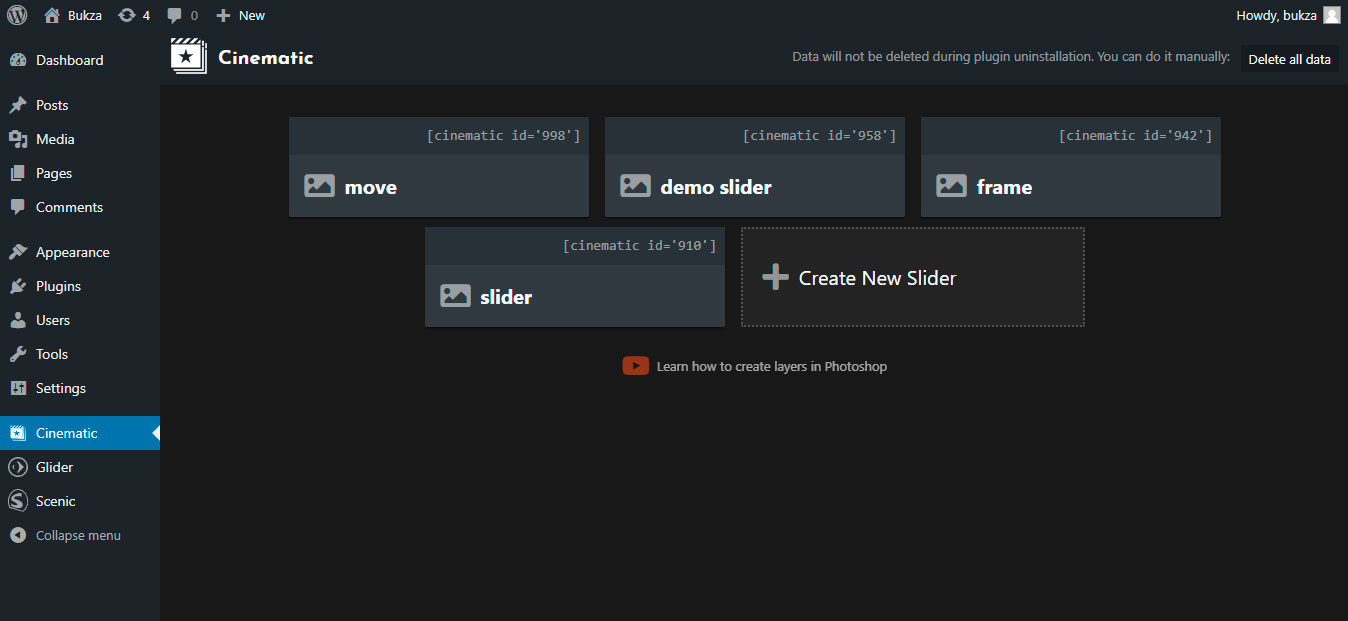
- Open Cinematic page at admin menu.
- Open example slider or create new one.
- Copy cinematic shortcode of your slider.
- Insert cinematic shortcode at the desired page.
- Open this page to see a slider in action.
Mga Review

Agosto 6, 2019
The plugin gives just unbelievable possibilities to make your slides and (especially) transitions look great. You get almost a movie grade visuals when you come from one slide to another (have to cut your slide the right way though as a prep to transition). I was really impressed and would give the creators 6* if that would be possible. Thanks, guys.

Mayo 8, 2019
1 na reply
Great 3D effect, I have seen this before only in After Effects plugins. It's something like Kens Burns 3D Effect.
Mga Contributor at Developer
Ang “Cinematic 3D Parallax Touch Slider” ay open source software. Ang mga sumusunod na tao ay nag-ambag sa plugin na ito.
Mga Contributor
Isalin ang “Cinematic 3D Parallax Touch Slider” sa iyong wika.
Interesado sa development?
Tingnan ang code, i-check ang SVN repository, o mag-subscribe sa development log sa pamamagitan ng RSS.
Changelog
1.0
- Initial Plugin Version