
Deskripsyon
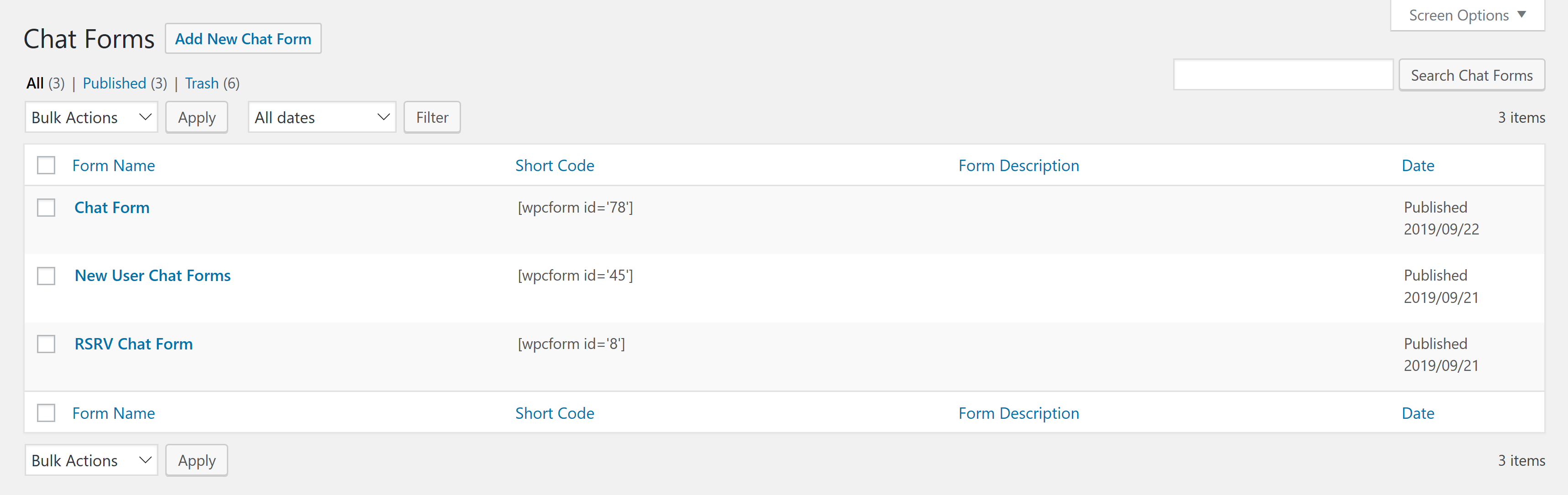
Fetches a published Google Form using a WordPress custom post or shortcode, removes the Google wrapper HTML and then renders it as a Chat Form embedded in your blog post or page. When using Chat Form post type, the wpcform shortcode accepts one parameter, id, which is the post id of the form. There are a number of other options, refer to the documentation for further details.
For example, suppose you want to integrate the form at https://docs.google.com/spreadsheet/viewform?hl=en_US&pli=1&formkey=ABCDEFGHIJKLMNOPQRSTUVWXYZ12345678#gid=0, (not a real URL) use the following shortcode in your WordPress post or page:
[wpgform id=\'861\']
Currently, this plugin only supports Google Forms that are public. Private Google Forms are not supported.
Mga Screenshot


Pag-install
- Install using the WordPress Plugin Installer (search for
WordPress Chat Form) or downloadWordPress Chat Form, extract thewpcformsfolder and uploadwpcformsto the/wp-content/plugins/directory. - Activate the plugin through the \’Plugins\’ menu in WordPress.
- Configure
WP Chat Formsfrom theSettingsmenu as appropriate. - Recommended: Create a Chat Form Custom Post Type and then use the
[wpcform id=\'1\']shortcode wherever you\\’d like to insert the a Chat Form or simply publish the form and use it\\’s permalink URL.
FAQ
- What is a Chat Form?
-
Chat Form is a Form that uses a chat interface to interact with the user.
- How can I create a Chat Form?
-
First you need to create a public Google Form and than paste the Google Form link to the Chat Forms plugin, select a language and click on the \\’Generate\\’ button.
- How does a Chat Form interacts with Google Forms?
-
All replies are being directly send to the Google Form that is behind the google form and feed to the attached spreadsheet.
- How is behind Chat Forms?
-
Chat Forms is a free tool created by inter-act
- Can I see more examples?
-
For more examples go to Chat Forms website.
Mga Review
Wala pang reviews para sa plugin na ito.
Mga Contributor at Developer
Ang “Chat Forms” ay open source software. Ang mga sumusunod na tao ay nag-ambag sa plugin na ito.
Mga Contributor
Isalin ang “Chat Forms” sa iyong wika.
Interesado sa development?
Tingnan ang code, i-check ang SVN repository, o mag-subscribe sa development log sa pamamagitan ng RSS.
Changelog
Version 1.0.3
- Remove debug hooks
Version 1.0.2
- Initial submission