
Deskripsyon
Live Demo | Upgrade to PRO | Support
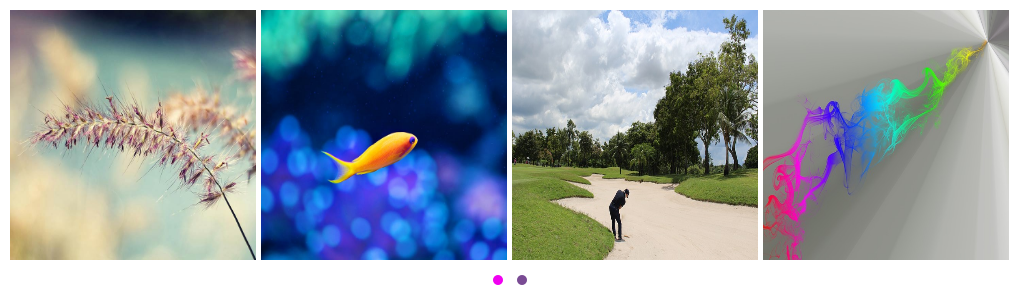
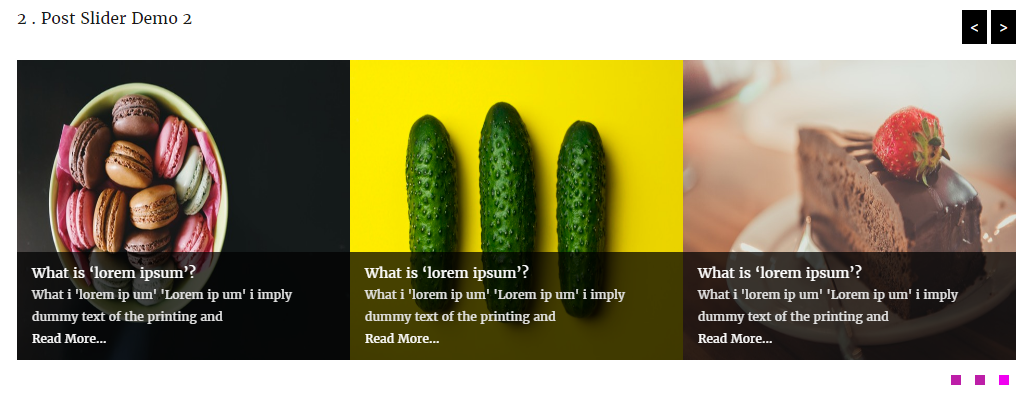
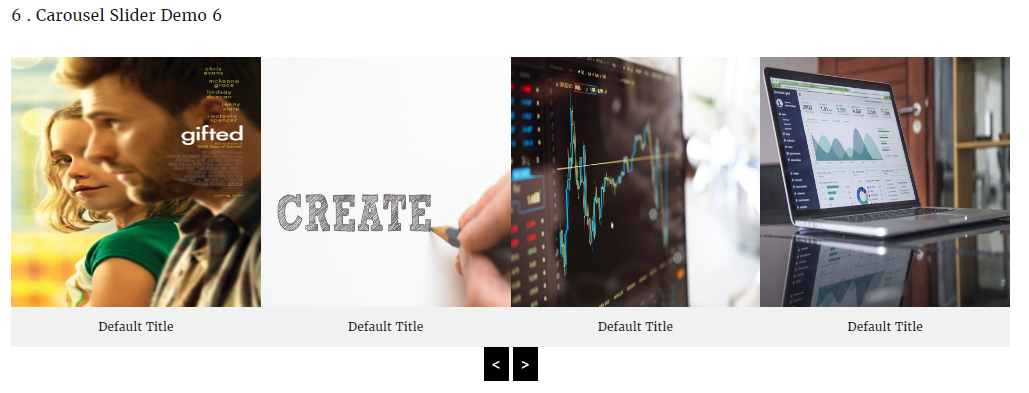
Carousel Ultimate WordPress Plugin allows you to easily create Responsive carousel, slider, post slider, logo showcase, team etc.
You can easily display multiple responsive carousel, slider, team, logo showcase, post slider in a same page or widget’s.
Carousel Ultimate plugin 100% responsive and compatible with mobile, tablets, desktop computers and all modern web browsers which include iPhone, iPad, Android, Chrome, Safari, Firefox , Opera, Internet Explorer etc. This carousel plugin is extremely easy to use .
Plugin Features
- 100% Responsive.
- All Browser support.
- Touch Supported.
- Easy Shortcode Generator.
- 10 Different Carousel/Post Style.
- Auto play Enable/Disable option.
- Auto play Stop On Hover option.
- Enable/Disable Pagination option.
- Enable/Disable Navigation option.
- Custom Thumbnail Size.
- Multiple post query.
- Display Carousel/post By Multiple Category.
- Unlimited Number of Carousel Items.
- Set Number of Carousel/Post Displayed per slide.
- Carousel Items with External Link.
- Carousel link opening with new/self page option.
- Post Excerpt Length.
- Carousel Excerpt Length.
- Carousel from post with Read More.
- Enable/Disable Read More Button.
- Show/Hide Carousel or Post title option.
- Carousel Caption font size.
- Carousel Caption font color option.
- Carousel text alignment option.
- Post Title Font Size option.
- Post Title Font color option.
- Post Title Text Align option.
- Post Title Color option.
- Mobile, Tablet, Desktop touch supported.
- SEO friendly.
Pro Version Features
- All Features of the free version.
- 100% Responsive.
- Clean design & code.
- No coding required.
- Touch support.
- Enable Custom url.
- Support Unlimited logos.
- Display Any Post Types.
- Multiple Style in same page.
- Background Color Option.
- User friendly option page.
- 10 different Image Slider & Post Slider Style .
- Order By (author,date,title,modified,random).
- Order(Descending, Ascending).
- Show/Hide Image.
- Custom Image height Option.
- Show/Hide Image Title.
- Image Title Color Option.
- Image Title Font Size Option.
- Image Title Text Align(center,left,right).
- Show/Hide Image Description.
- Image Description Color Option.
- Image Description Font Size Option.
- Image Description Text Align (center,left,right).
- Excerpt Length Option.
- Show/Hide Permalink Option.
- Show/Hide Tooltip Option.
- Tooltip Position Option (Left, Right, Top , Bottom).
- Tooltip Background Color Option.
- Tooltip Text Color Option.
- Tooltip Custom Width Option.
- Image Border Color Option.
- Image Border Hover Color Option.
- Autoplay (True/False).
- Slider Delay Speed.
- Slider Stop Hover (True/False).
- Slider Autoplay Timeout (sec).
- Slider Items Number.
- Items In Desktop Device.
- Items In Desktop Small Device.
- Items In Mobile Device.
- Slider Loop (True/False).
- Slider Margin.
- Slider Navigation (True/False).
- 5 Slider Navigation Position.
- Slider Navigation Hover Color.
- Slider Navigation Background Color.
- Slider Navigation Hover Background Color.
- Slider Pagination (True/False).
- Slider Pagination Color.
- Slider Pagination Background Color.
- 4 Slider Pagination Style.
- 3 Slider Pagination Position.
- Easy Documentation.
- 24/7 Dedicated support forum.
- Life Time Self hosted auto updated enable.
- Many More..
Mga Screenshot
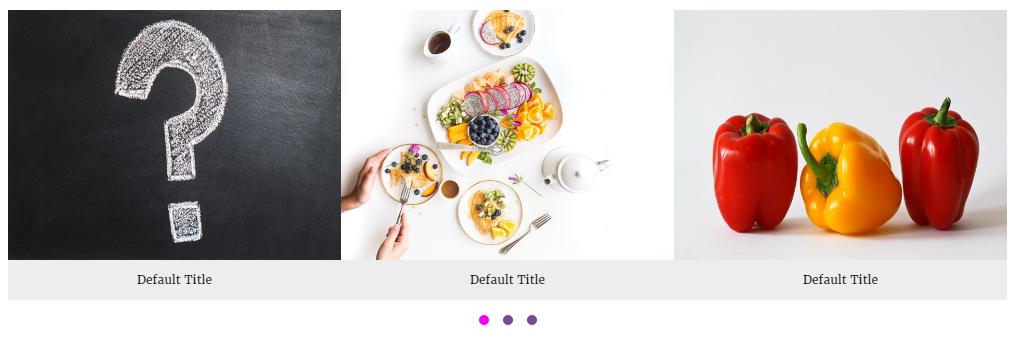
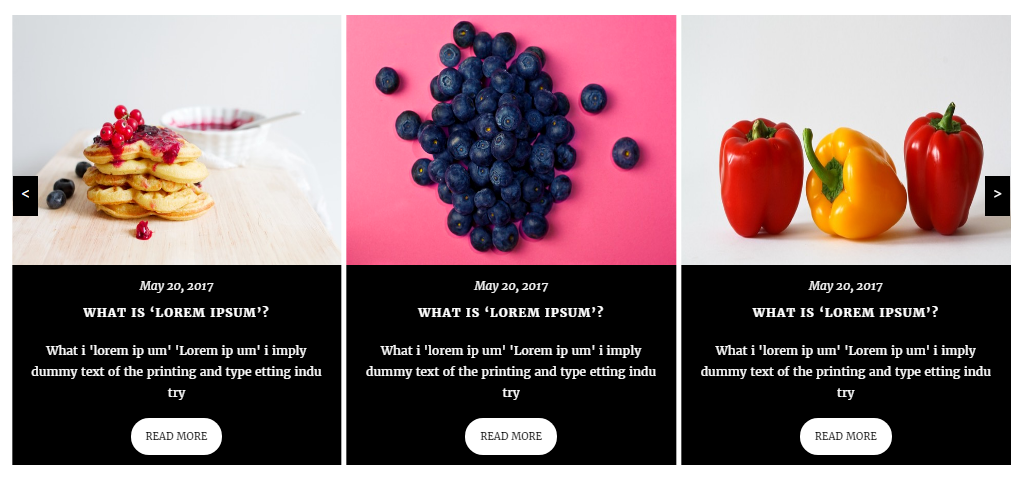
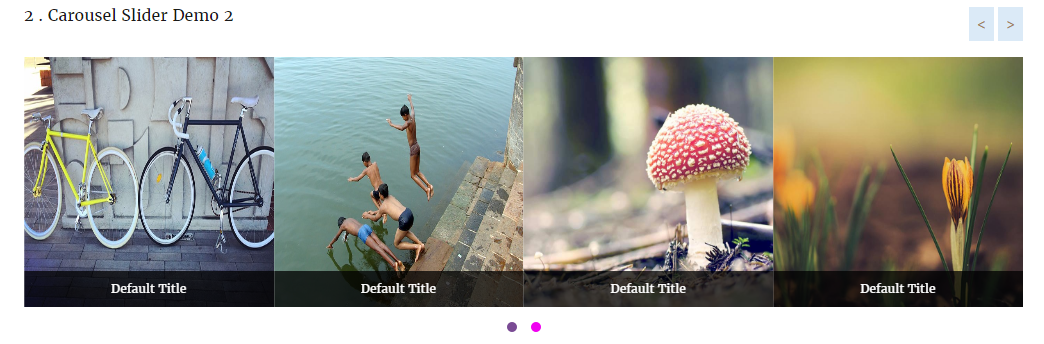
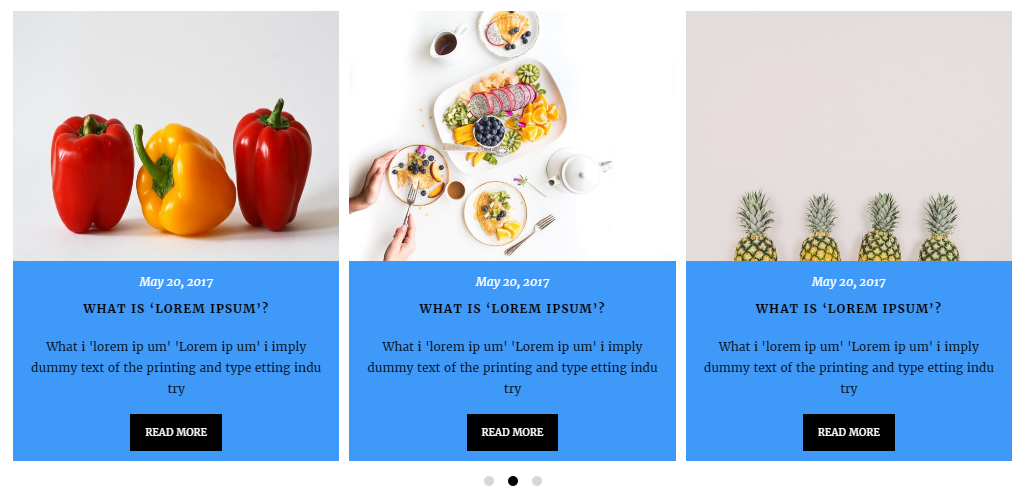
Pag-install
You can install from within WordPress using the Plugin/Add New feature, or if you wish to manually install:
- Download the plugin.
- Upload the entire
carouseldirectory to your plugins folder. - In the WordPress Dashboard under Plugins, activate the plugin.
Overview
You add carousels to WordPress, and assign them to carousel categories, so you can easily pull carousel into different sections of the site. Then use generated shortcodes in your page or post. also you can use this shortcode in a text widget.
Create a Carousel Categories
To create a carousel categories, go to Dashboard > Carousel Free > Add New Image > Carousel categories and add a new category. you must select at last one categories to display carousel.
For example, if you wanted to have a specific carousel that is shown in the Gallery pages of your site, you might create a categories called Gallery so you can easily identify them in the future and update option page easily.
Add Carousel
Adding Carousel is super easy:
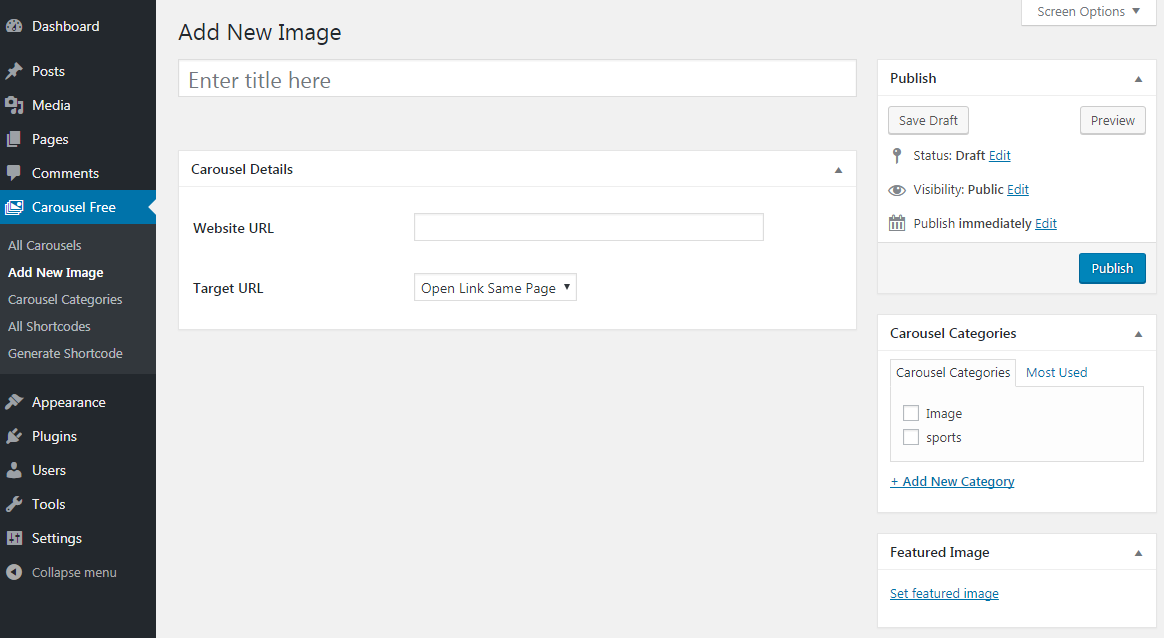
- Go to Carousel Free > Add New Images – this will allow you to enter the carousel title, Website URL, Target URL, categories and embed images.
- *Carousel Title.
- *Carousel URL.
- *Set Target URL.
- *Assign the Carousel to one or multiple categories.
- *Set Carousel Featured Image.
- *Publish Carousel.
Embed a Carousel in a page or post using shortcodes:
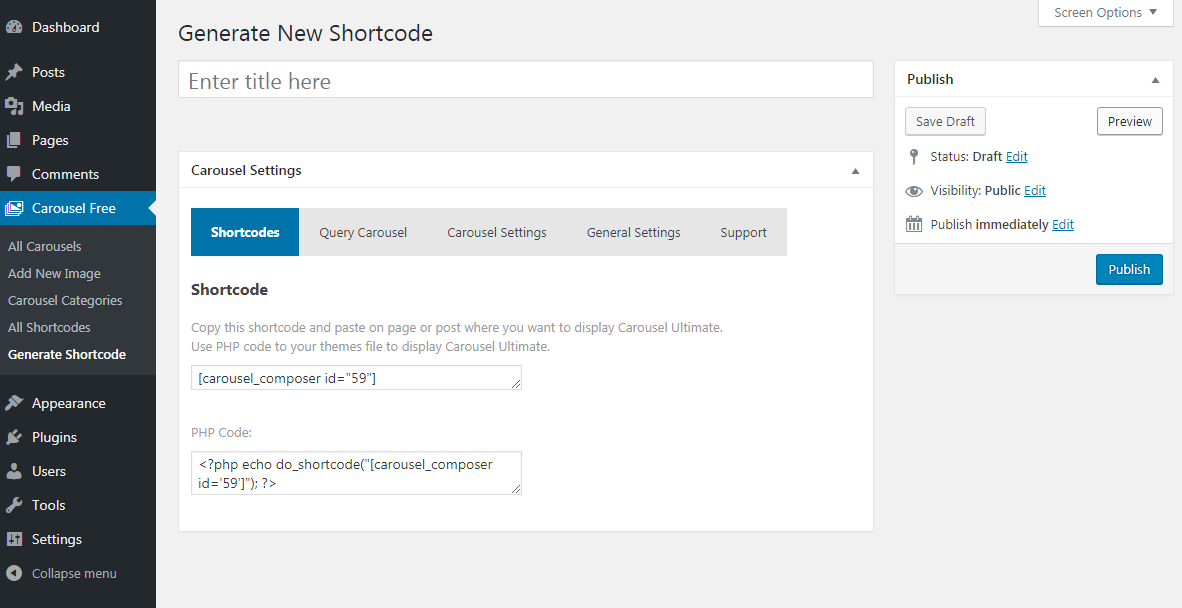
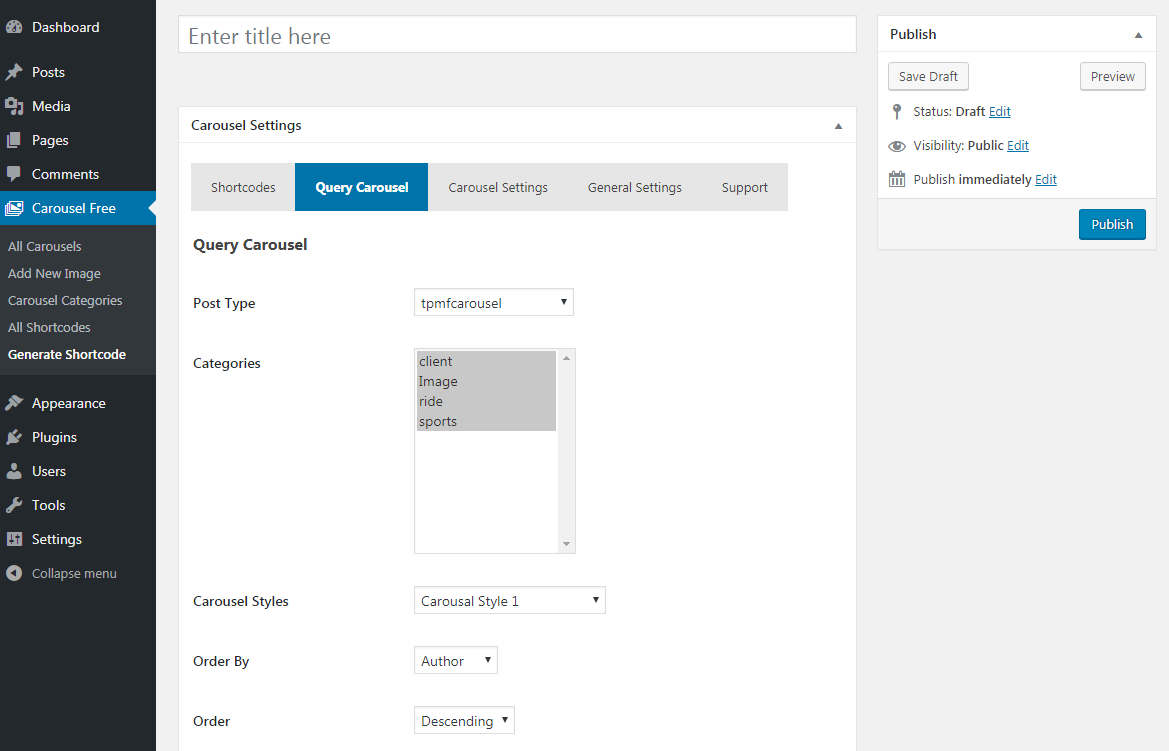
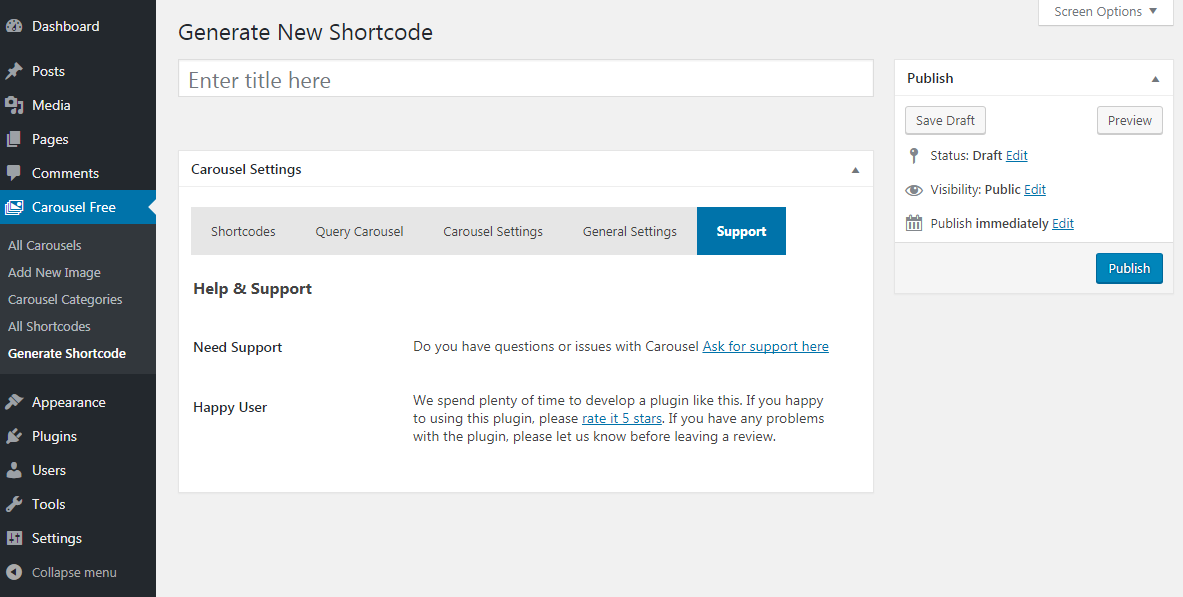
Go to Carousel Free > Generate Shortcode > Select Post Type tpmfcarousel & categories. now publish Shortcode. It’s super easy no need to required any coding skill. just copy shortcode and paste post , page or widgets section in your website.
[carousel_composer id=”39″]
Shortcode Examples
your shortcode might look like:
[carousel_composer id="39"]
Embed a Carousel directly in your theme template
You can drop the following WordPress function in your template files.
<?php echo do_shortcode("[carousel_composer id='39']"); ?>
Display Post in Carousel
- Go to Carousel Free > Generate Shortcode > Select Post Type post & select post categories. now publish Shortcode. copy the shortcode and paste it into your post, page or widgets section.
FAQ
- Installation Instructions
-
You can install from within WordPress using the Plugin/Add New feature, or if you wish to manually install:
- Download the plugin.
- Upload the entire
carouseldirectory to your plugins folder. - In the WordPress Dashboard under Plugins, activate the plugin.
Overview
You add carousels to WordPress, and assign them to carousel categories, so you can easily pull carousel into different sections of the site. Then use generated shortcodes in your page or post. also you can use this shortcode in a text widget.
Create a Carousel Categories
To create a carousel categories, go to Dashboard > Carousel Free > Add New Image > Carousel categories and add a new category. you must select at last one categories to display carousel.
For example, if you wanted to have a specific carousel that is shown in the Gallery pages of your site, you might create a categories called Gallery so you can easily identify them in the future and update option page easily.
Add Carousel
Adding Carousel is super easy:
- Go to Carousel Free > Add New Images – this will allow you to enter the carousel title, Website URL, Target URL, categories and embed images.
- *Carousel Title.
- *Carousel URL.
- *Set Target URL.
- *Assign the Carousel to one or multiple categories.
- *Set Carousel Featured Image.
- *Publish Carousel.
Embed a Carousel in a page or post using shortcodes:
-
Go to Carousel Free > Generate Shortcode > Select Post Type tpmfcarousel & categories. now publish Shortcode.
It’s super easy no need to required any coding skill. just copy shortcode and paste post , page or widgets section in your website.[carousel_composer id=”39″]
Shortcode Examples
your shortcode might look like:
[carousel_composer id="39"]Embed a Carousel directly in your theme template
You can drop the following WordPress function in your template files.
<?php echo do_shortcode("[carousel_composer id='39']"); ?>Display Post in Carousel
- Go to Carousel Free > Generate Shortcode > Select Post Type post & select post categories. now publish Shortcode. copy the shortcode and paste it into your post, page or widgets section.
- Where are the instructions?
-
Check the plugin’s Installation tab.
- Support
-
Do you have questions or issues with Carousel? Ask for support here
Mga Review


Mga Contributor at Developer
Ang “Carousel Ultimate” ay open source software. Ang mga sumusunod na tao ay nag-ambag sa plugin na ito.
Mga Contributor
Isalin ang “Carousel Ultimate” sa iyong wika.
Interesado sa development?
Tingnan ang code, i-check ang SVN repository, o mag-subscribe sa development log sa pamamagitan ng RSS.
Changelog
1.8
Release Date – 03 Jan, 2018
* Fix Color Picker Issues.
* Update Css File.
1.7
Release Date – 24 Sep, 2017
* Update Option Page.
* Update Css File.
* Added New Options.
* Added New Options Page.
* Remove Old Options page.
* Change Admin Interface.
1.6
- Update Option Page.
1.5
Release Date – 23 May, 2017
* Fix loading unnecessary fonts Issues
1.4
Release Date – 14 Feb, 2017
- Added Shortcode generation option.
- Added new themes.
- Auto play Enable/Disable option.
- Auto play Stop On Hover option.
- Enable/Disable Pagination option.
- Enable/Disable Navigation option.
- Align Pagination ( left, center, right).
- Multiple post query.
- Display Carousel/post By Multiple Category.
- Carousel Post Excerpt Length.
- Carousel from post with Read More.
- Enable/Disable Read More Option.
- Show/Hide Carousel or Post title option.
- Carousel / Post Title Font Size option.
- Carousel / Post Title Text Align option.
- Carousel / Post Title Color option.
- And many more option.
1.3
Release Date – 03 Jan, 2017
- Update Post Columns Filter
1.2
- Added New Post type called “Carousel Free”
- Fix Multiple Carousel in same page/post or widget.
- Added Post into carousel option.
- Added Internal or External Link Option.
- Added Slider option.
- Added Category Option for display Multiple carousel by ID.
- Fix Some Css Issues.
- Update Visual Tinymce Editor.
- Added New Option In Tinymce Editor.
- Change Tinymce Icons.
1.1
- Check latest version compatibility
1.1
- Fix shortcode issues
- Update Option Page
- Fix css issues
1.0
- Initial release