
Deskripsyon
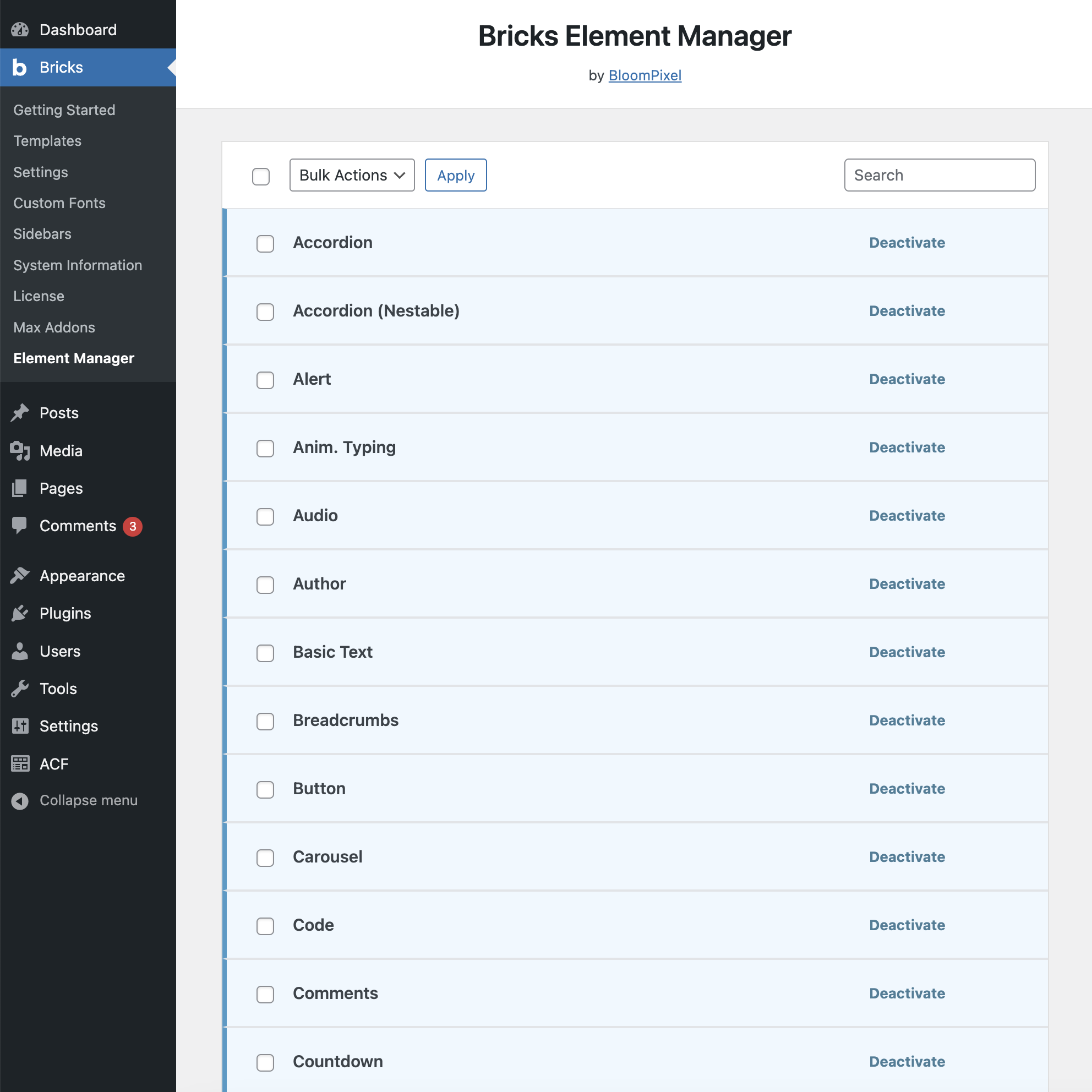
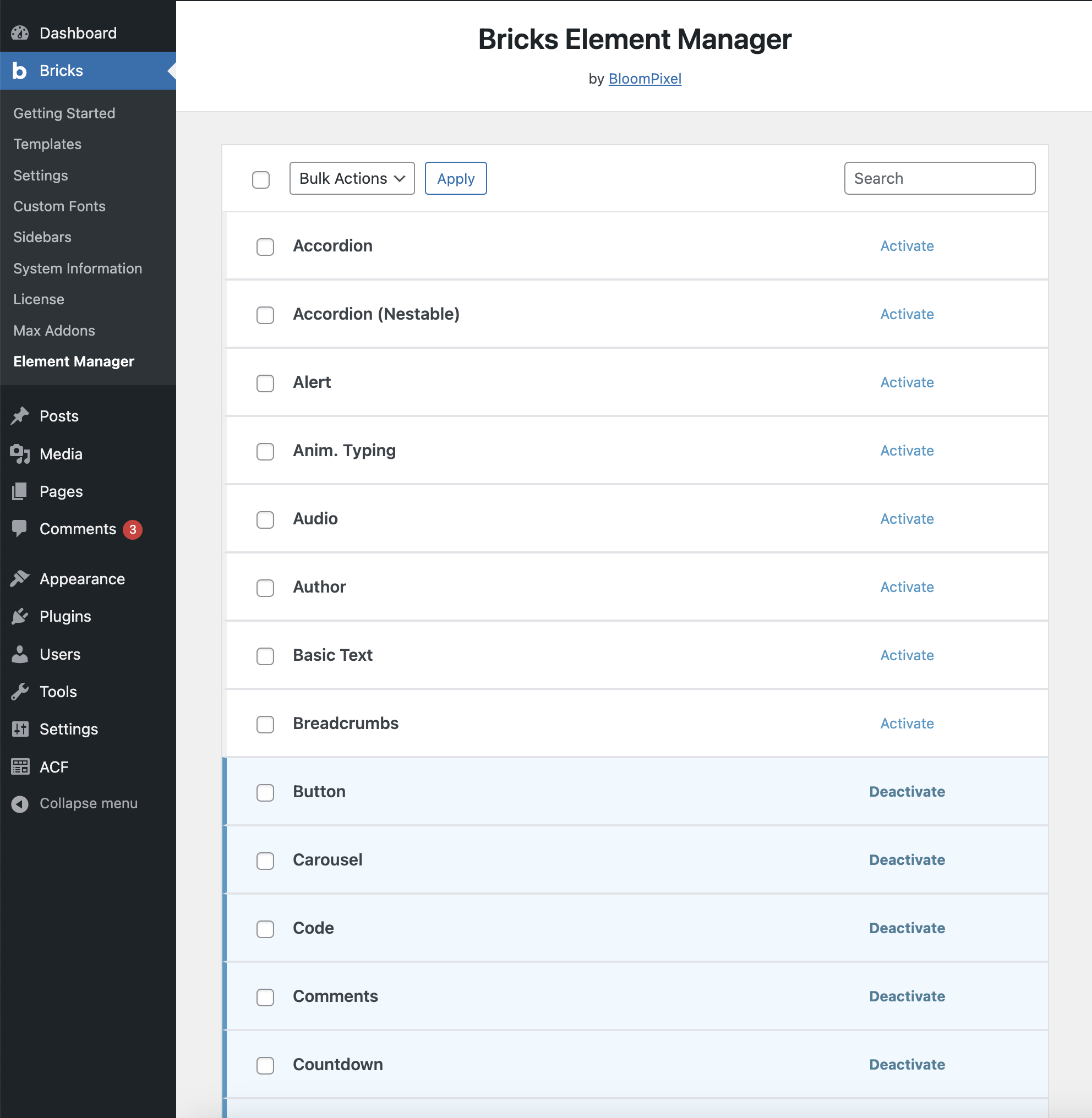
Bricks Element Manager provides a simple way to deactivate/activate Bricks elements from WP admin.
This simple plugin is useful for deactivating all the elements that are not in use, which makes it easier to find the required elements.
To deactivate an element, search for its name in the search bar and click the Deactivate button. The element will be deactivated instantly, and a notification will appear in the bottom left corner of the page.
Key Features Of Bricks Element Manager
- Search bar to search for the elements easily
- Option to deactivate/activate all elements at once
- Instantly activates or deactivates elements without reloading the page
About Us
Bricks Element Manager is built for the users of Bricks Builder by BloomPixel. BloomPixel is an exclusive WP design and development agency with over 11 years of experience. We are the makers of
Mga Screenshot
Pag-install
- Install and activate Bricks Element Manager
- Go to WP admin > Bricks > Element Manager page.
- Select the elements that you want to deactivate/activate
- That’s all.
FAQ
-
Will deactivating an element remove the content from my site?
-
No. The elements are removed/uregistered only from Bricks Builder interface.
-
Why should I deactivate elements?
-
Deactivating the elements will speed up the loading of Bricks builder interface and will consume lesser resources.
Mga Review
Wala pang reviews para sa plugin na ito.
Mga Contributor at Developer
Ang “Bricks Element Manager” ay open source software. Ang mga sumusunod na tao ay nag-ambag sa plugin na ito.
Mga Contributor
Isalin ang “Bricks Element Manager” sa iyong wika.
Interesado sa development?
Tingnan ang code, i-check ang SVN repository, o mag-subscribe sa development log sa pamamagitan ng RSS.
Changelog
1.0.0 – April 24, 2024
- Initial release