

Deskripsyon
wp show category shows any category posts in widget , page or post, have shortcode [wpscp]
Mga Screenshot

User view after installation 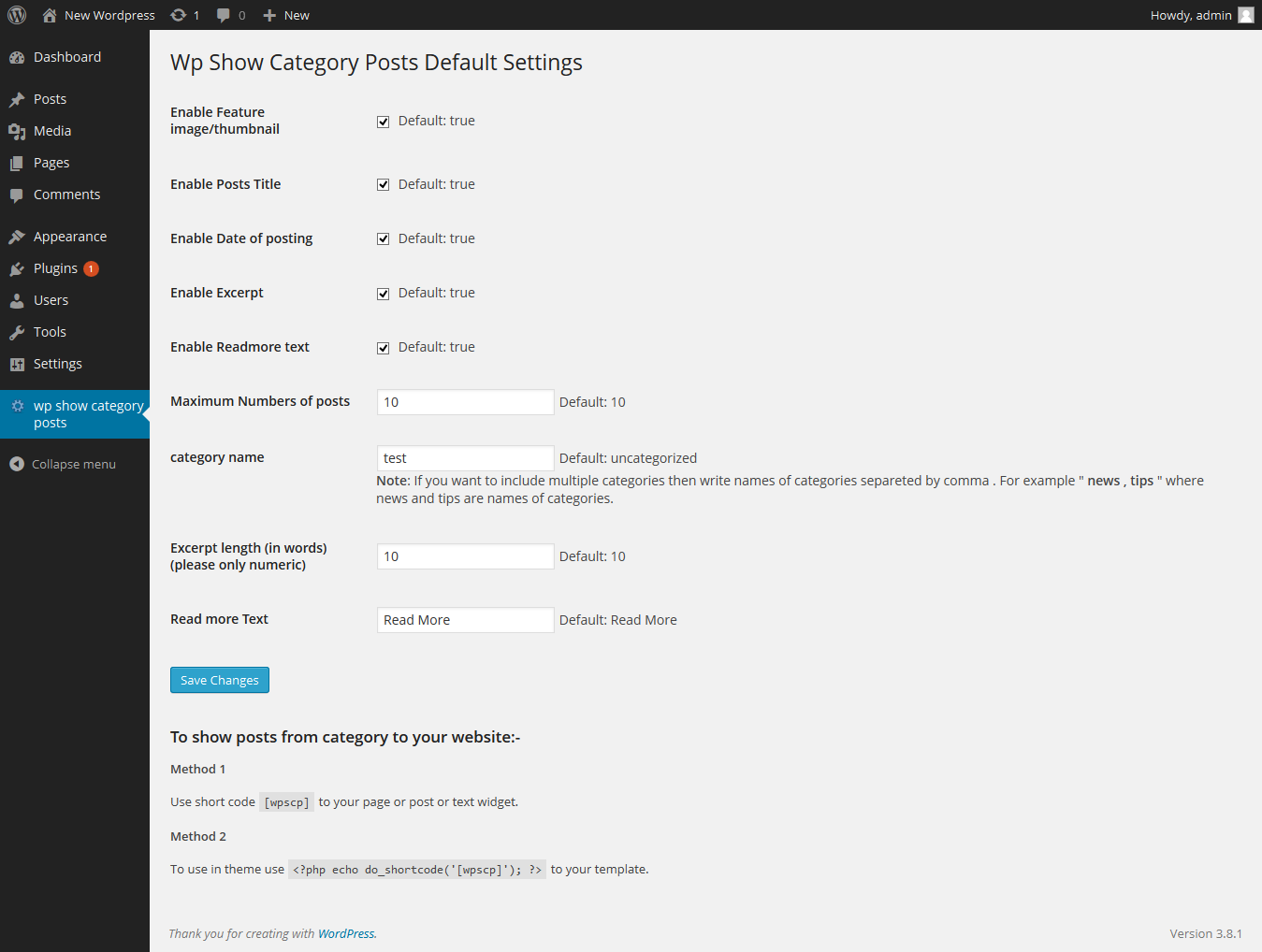
Admin setting page
Pag-install
The plugin can be use just by installing it by wordpress admin or upload manually.
- Upload
wp-show-category-poststo the/wp-content/plugins/directory - Activate the plugin through the ‘Plugins’ menu in WordPress
- Now go to wp-show-category-posts tab at wp-admin
FAQ
- How to set number of posts ?
-
Go to “wp show category posts” in left panel of wordpress. enable or disable title, thumbnail, or date as you need or other setting.
and press “Save Changes” button - How to use plugin on page or posts ?
-
use [wpscp] shortcode in page, post or widget.
For more visit blog wp-show-category-posts
Mga Review
Wala pang reviews para sa plugin na ito.
Mga Contributor at Developer
Ang “wp show category posts” ay open source software. Ang mga sumusunod na tao ay nag-ambag sa plugin na ito.
Mga Contributor
Isalin ang “wp show category posts” sa iyong wika.
Interesado sa development?
Tingnan ang code, i-check ang SVN repository, o mag-subscribe sa development log sa pamamagitan ng RSS.
Changelog
0.1
*show category posts
*initial release