
Deskripsyon
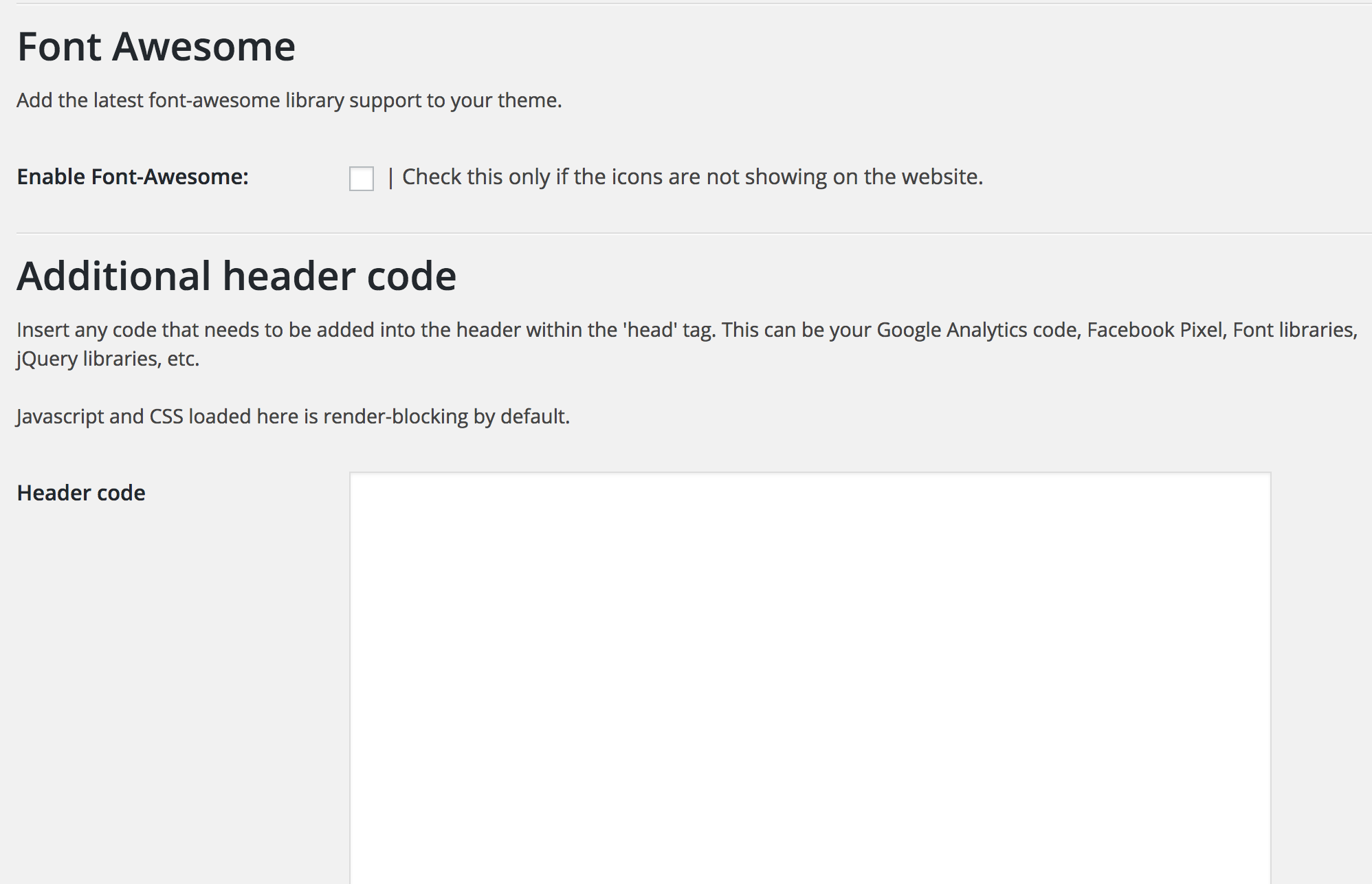
The core feature of the plugin is the high-conversion mobile CTA that is guaranteed to increase your click-to-call and contact rates since it is well designed and customizable. The plugin also allows you to inject any code you need into your headers (like fb pixel and Google Analytics) and allows you to customize the colors and enable icons on the CTA.
Mga Screenshot


Pag-install
This section describes how to install the plugin and get it working.
- Upload the plugin folder to the
/wp-content/plugins/directory - Activate the plugin through the ‘Plugins’ menu in WordPress
- Access the ‘Ascend Marketing’ menu in your dashboard to use the plugin.
FAQ
- Can I change the colors of the CTA?
-
Yes, you can choose to change the background color, text color, and the background of the buttons.
- Can I determine what width the CTA appears at?
-
Yes, you can enter a value in pixels that will be the width below which the CTA appears
Mga Review
Wala pang reviews para sa plugin na ito.
Mga Contributor at Developer
Ang “Ascend Marketing Tools” ay open source software. Ang mga sumusunod na tao ay nag-ambag sa plugin na ito.
Mga Contributor

Isalin ang “Ascend Marketing Tools” sa iyong wika.
Interesado sa development?
Tingnan ang code, i-check ang SVN repository, o mag-subscribe sa development log sa pamamagitan ng RSS.
Changelog
2.0
Tested with latest WordPress.