
Deskripsyon
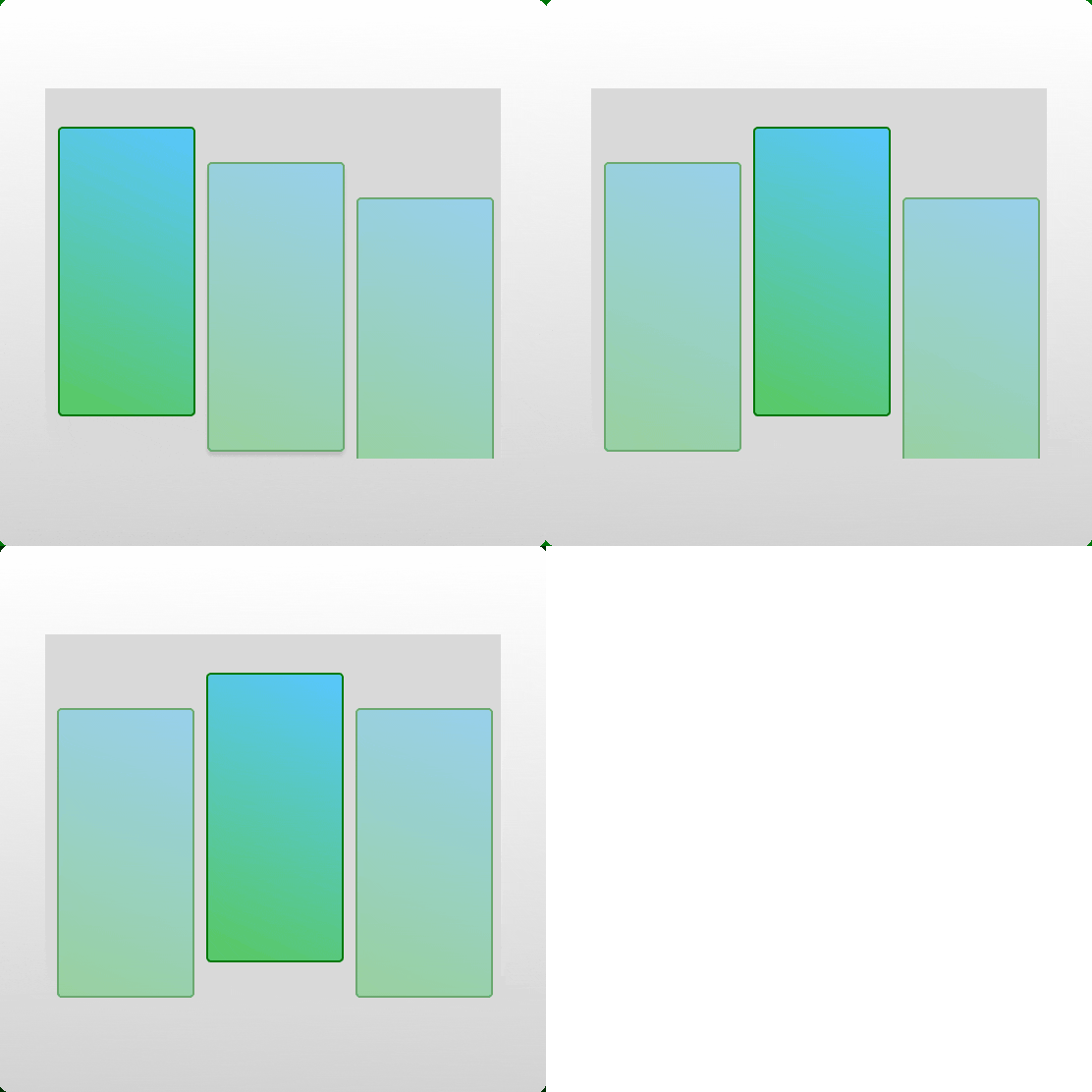
App Swiper Slider allows you to dynamically display app screens from your clients, partners, sponsors, or affiliates in beautiful carousels or sliders. Designed to enhance your website’s visual appeal and professionalism, the plugin is lightweight, customizable, and fully responsive.
Core Features
- Easy-to-use interface for managing app screens.
- Multiple display options: carousel, slider.
- Fully responsive design for seamless viewing across devices.
- Shortcodes for easy embedding into posts, pages, or templates.
- Advanced customization options for styling, autoplay, and navigation.
- Translation-ready for multilingual support.
- Optimized for performance.
Features
Basic Settings
- Set a custom carousel title.
- Order posts by:
- Title
- Date
- Custom order
- Customize post order: Ascending or Descending.
- Autoplay options:
- Enable/Disable autoplay.
- Configure autoplay timeout and speed.
- Stop autoplay on hover or focus.
- Enable looping for continuous sliding.
- Configure slides per scroll.
- Fully responsive with custom settings for:
- Large desktops
- Small desktops
- Tablets
- Mobile devices
Advanced Settings
- Show/Hide navigation arrows.
- Show/Hide dot indicators.
- Display post excerpts below the title.
- Exclude sticky posts.
Styling Options
- Customize navigation arrows:
- Colors
- Hover colors
- Personalize dot indicators:
- Colors
- Hover colors
External Services
This plugin does not communicate with any external services.
- Swiper.js and Swiper.css: Previously hosted externally, these assets are now included in the plugin’s local
assetsfolder. - Gravatar: Previously used for displaying profile images, now replaced with a local placeholder image stored in the
assets/imagesfolder.
Usage
Steps to Display App Screens
- Go to the App Swiper Slider settings page in the WordPress admin area.
- Upload your app screens.
- Configure display settings, such as carousel or slider.
- Use the provided shortcode to embed the app screens in your site.
- Customize the styles and settings to match your site’s design.
Shortcodes
[appswiperslider]: Displays app screens in a default carousel.[appswiperslider posts_num="5" order="ASC" orderby="title" screen_cat="brand"]: Advanced shortcode for displaying app screens filtered by category, title, or random order.
Step-by-Step Guide
Watch Free Version Video
Support
For support, visit the plugin support forum or contact us directly.
Donate
Love this plugin? Support its development by buying me a coffee.
Mga Screenshot


Pag-install
- Upload the
app-swiper-sliderdirectory to your/wp-content/plugins/directory. - Activate the plugin through the Plugins menu in WordPress.
- Navigate to Settings > App Swiper Slider to configure the plugin.
- Use the provided shortcodes to display app screens in posts, pages, or widgets.
Mga Review
Wala pang reviews para sa plugin na ito.
Mga Contributor at Developer
Ang “App Swiper Slider” ay open source software. Ang mga sumusunod na tao ay nag-ambag sa plugin na ito.
Mga Contributor

Isalin ang “App Swiper Slider” sa iyong wika.
Interesado sa development?
Tingnan ang code, i-check ang SVN repository, o mag-subscribe sa development log sa pamamagitan ng RSS.
Changelog
1.0.0
- Initial release.
- Added features for uploading and displaying app screens in carousels and sliders.
- Optimized performance and responsiveness.
- Included advanced settings for autoplay, navigation, and styling.
1.0.1
- Fixed minor bugs related to plugin.
1.0.2
- Fixed minor bugs related to plugin.
1.0.3
- Fixed minor bugs related to plugin.
1.0.4
- Fixed minor bugs related to plugin.
1.0.5
- Added video tutorial, how to install and use the App Swiper Slider Plugin.
1.0.6
- Fixed the shortcode.