
Description
Automatically add an end mark (image or text) to the end of pages and posts. An end mark (sometimes called an end sign) is the small graphic element placed at the end of an article, chapter or story.
Screenshots
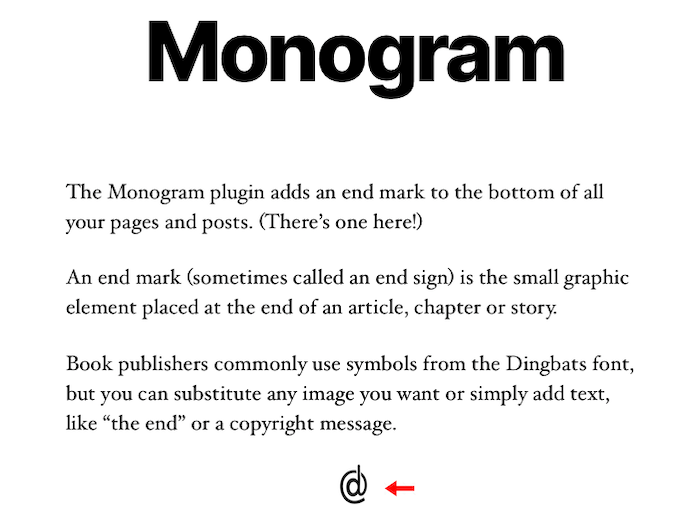
http://wordpress.billdawson.net/wp-content/uploads/sites/6/2020/07/Monogram-Screen-Shot.png
Installation
- Upload the entire monogram folder to the /wp-content/plugins/ directory.
- Activate the plugin through the Plugins screen (Plugins > Installed Plugins).
You will find the Monogram menu under Appearance in your WordPress admin screen.
For basic usage, have a look at the plugins website. http://wordpress.billdawson.net/?page_id=67
FAQ
Q: How do I add TEXT?
A: Simply type in the text you want to display. It will display at the end of every page and post.
Q: How do I add an IMAGE?
A: Enter the entire URL to the image you want to display including http:// or https://.
Example: http://wordpress.billdawson.net/wp-content/uploads/sites/6/2020/05/dawson-logo-40.png
Reviews
There are no reviews for this plugin.
Contributors & Developers
“Monogram” is open source software. The following people have contributed to this plugin.
Contributors
Translate “Monogram” into your language.
Interested in development?
Browse the code, check out the SVN repository, or subscribe to the development log by RSS.
Changelog
None