
Description
Event management system using jquery -ui datepicker,timepicker addon,provides short-code to list events,widget support shows all events highlighted in calendar
- Event management system using timepicker addon,provides short-code,widget support, events slider
- Manage events,Events calendar,jquery ui event management system
- Requires at least 3.0.1
- Tested up to 4.1
Screenshots
screenshot-2.png 
screenshot-2.png 
screenshot-3.png 
screenshot-4.png 


Installation
This section describes how to install the plugin and get it working.
- Download the plugin
- Upload plugin via wordpress or extract in to plugins directory of wordpress
- In wordpress admin Go to Plugins ->Installed Plugins and Activate Events Calendar Plugin
- Cut “single-events.php” from Events Calendar folder and paste in to your themes root directory.
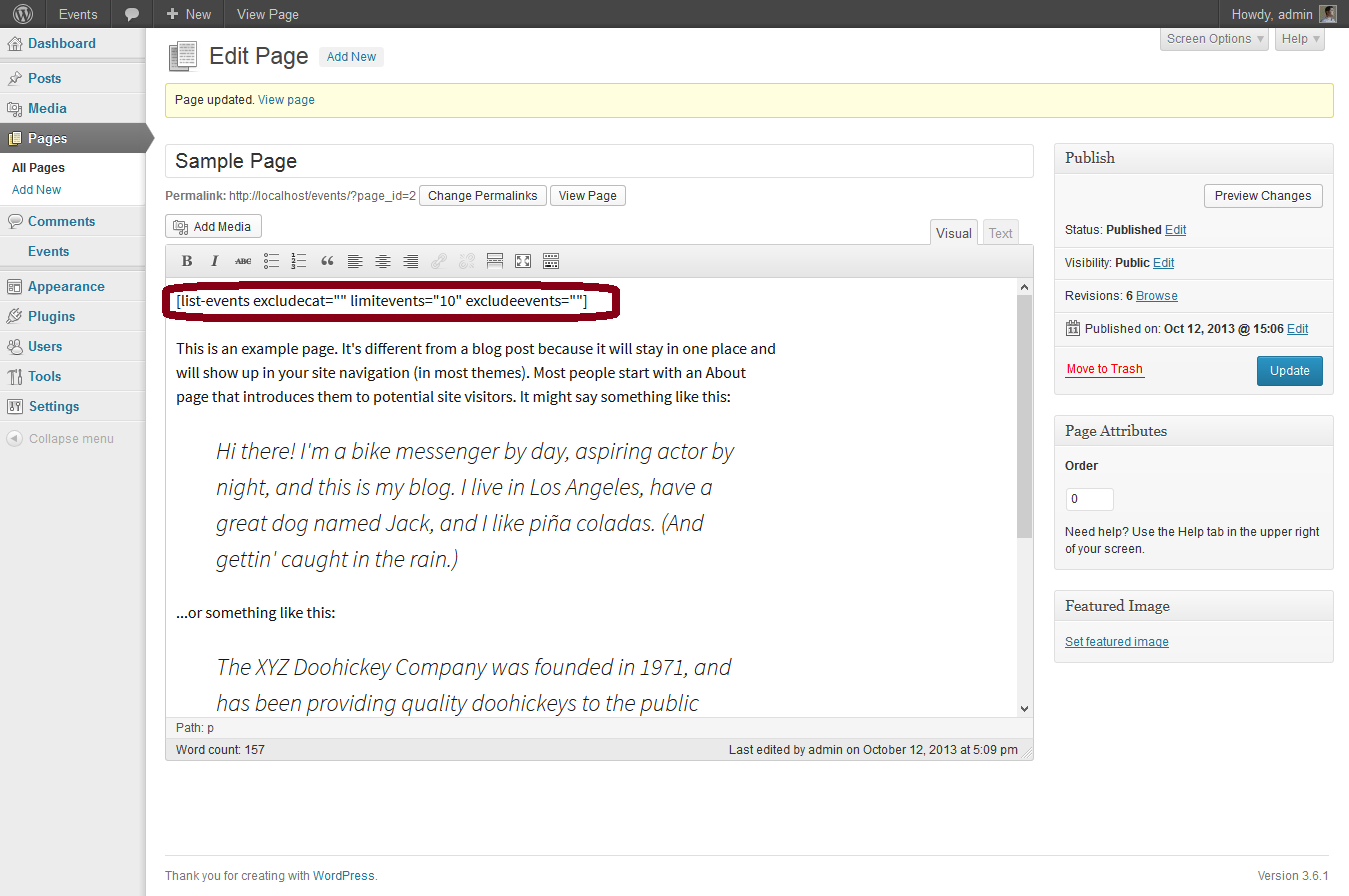
- Use [list-events excludecat=”” limitevents=”10″ excludeevents=””] short code where ever in the page content.
- excludecat=”” will have a list of comma separated ids of events categories to exclude the post from events listing.
- limitevents=”10″ to limit the no. of posts,leave empty if will list all posts.
- excludeevents=”” will have a list of comma separated ids of events (events posts ids).
- Use event calendar widget to show highlighted events in calendar
- Added events slider widget
Reviews
There are no reviews for this plugin.
Contributors & Developers
“Events Calendar” is open source software. The following people have contributed to this plugin.
Contributors
Translate “Events Calendar” into your language.
Interested in development?
Browse the code, check out the SVN repository, or subscribe to the development log by RSS.
Changelog
- Fixed alignment for widget