
Description
Hotel booking system wordpress plugin is a dedicated booking platform for hotel room booking. This plugin is designed for managers of a hotel for performing complete administrative tasks and guests’ public booking. The backend admin section gives opportunity to manage rooms, amenities, custom pricing, booking, payments in a flawless manner. Frontend section of this plugin provides facility to guests to apply for reservation with online payment option flexibility.
Features
- Booking management
- Reservation management
- Room availability calendar
- Room management
- Amenity management
- Floor management
- Additional service management
- Custom pricing for room
- Online payment with paypal and stripe
- Multisite / multihotel booking
- Booking filter for active, reservation & completed
- Payment report
Screenshots

Booking list 
Booking detail 
Booking create 
Booking filter 
Payment manager 
Booking edit 
Room availability status calendar 
Custom price calendar 
Custom price create 
Custom price reset 
Room listing with filter 
Room type manager 
Floor manager 
Amenity manager 
General & payment settings 
Payment report 
Guest booking form 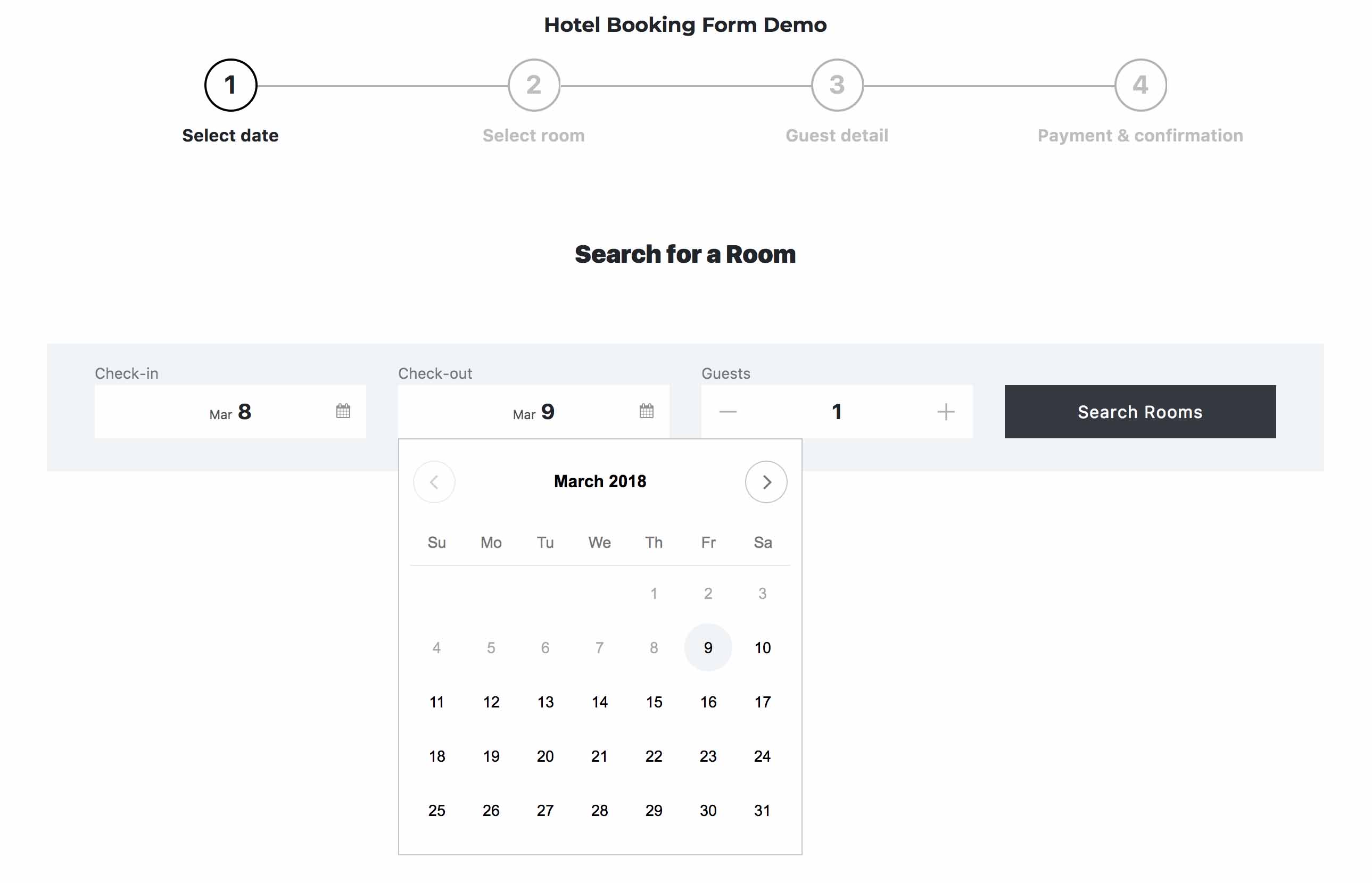
Booking form datepicker 
Booking form room selector 
Booking form guest detail 
Booking form payment option 
Booking form confirmation 
Paypal payment 
Stripe payment 
Shortcode setup
Installation
- Upload the plugin zip file to the
/wp-content/plugins/directory and unzip it, or install the plugin through the WordPress plugins screen directly. - Activate the plugin through the ‘Plugins’ screen in WordPress.
- Go to Settings screen of the plugin and configure the plugin according to your need.
- Go to Chambers screen of the plugin and configure your schedule.
- Now you can go to the Appointment screen of the plugin and start discovering it’s features.
Reviews
There are no reviews for this plugin.
Contributors & Developers
“Luxury Hotel Booking Lite” is open source software. The following people have contributed to this plugin.
Contributors


Translate “Luxury Hotel Booking Lite” into your language.
Interested in development?
Browse the code, check out the SVN repository, or subscribe to the development log by RSS.
Changelog
1.0.0
- Initial release