
Description
Easily add Google Tag Manager to your blog without having to edit your theme or know how to code.
Screenshots
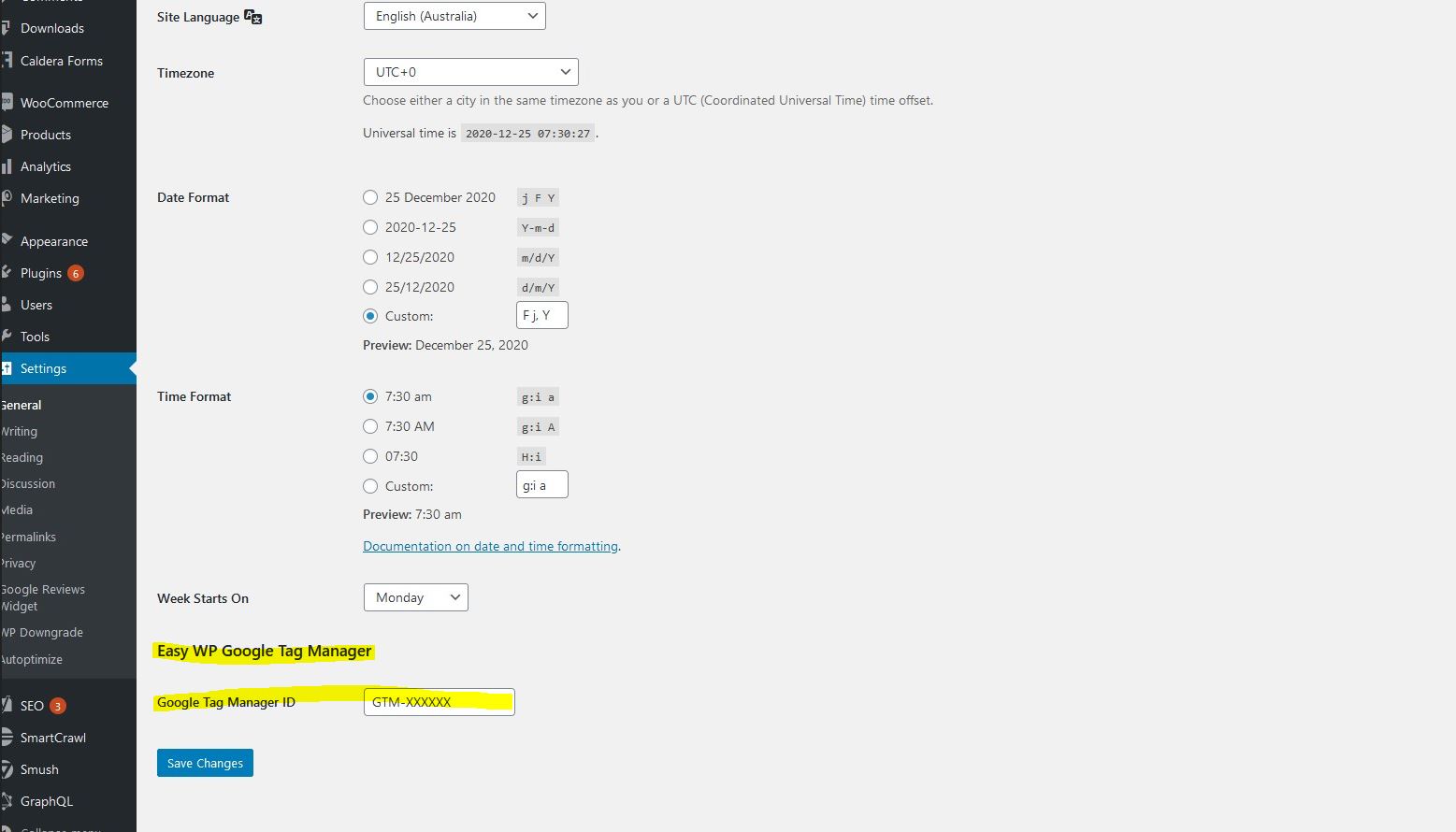
This plugin will add a field to Settings > General for your Google Tag Manager's ID. Add your ID and that's it!
Installation
After installing the plugin, go to Settings > General and add your Google Tag Manager’s container ID to the field called ‘Google Tag Manager ID’.
FAQ
-
Do I need to edit my theme or know coding to add the Google Tag Manager snippet?
-
No! If you install this plugin, you just need to go to Settings > General and add your Google Tag Manager’s container ID to the field called ‘Google Tag Manager ID’.
Reviews
There are no reviews for this plugin.
Contributors & Developers
“Easy WP Google Tag Manager” is open source software. The following people have contributed to this plugin.
Contributors
Translate “Easy WP Google Tag Manager” into your language.
Interested in development?
Browse the code, check out the SVN repository, or subscribe to the development log by RSS.
Changelog
=1.0=
* First version released.